Hatch Embroidery Installation & Setup
Check your Hatch version, software level and computer before setting up your embroidery workflow.
Check your setup on WhatsApp →What is Hatch Embroidery?
Hatch is embroidery software for organizing, personalizing and creating designs. Available tools depend on the level you own. The current Digitizer level includes manual digitizing, lettering, editing, automatic digitizing and creative stitch effects. Choose the level around the work you want to produce, then check the release against your computer.
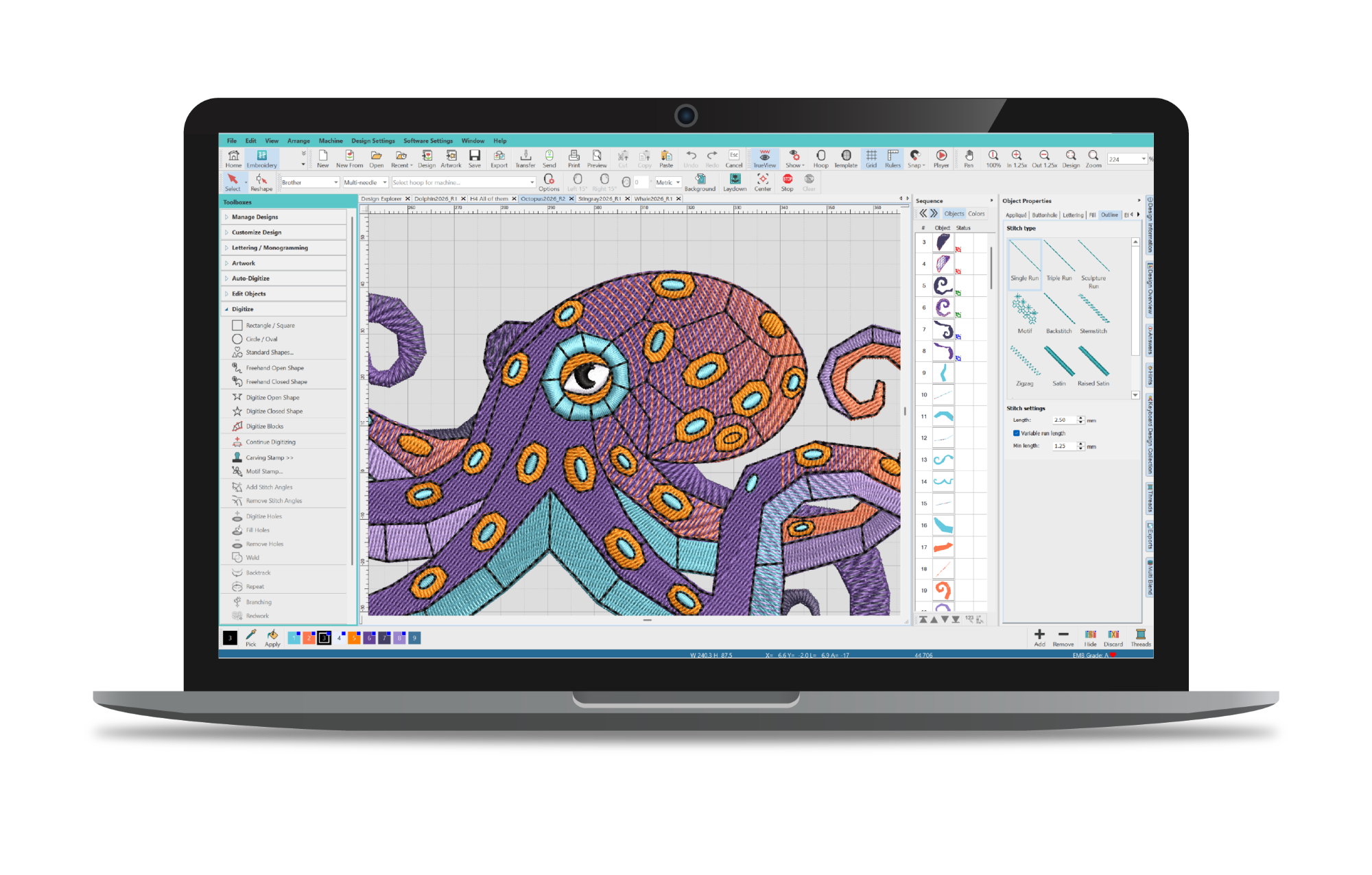
Hatch 2, 3 and 4: confirm the version first
A request for Hatch 2 should not be handled using Hatch 4 requirements or a Hatch 4 installer. Tell us the version and level on your account or existing installation, and whether you want a reinstall, a first installation or advice about an upgrade. We check the relevant release before committing to the setup.
Current Hatch 4 requirements
The publisher currently lists Windows 11 64-bit, 16 GB RAM, a 256 GB SSD with 40 GB free, and a Full HD display as minimum requirements. CPU guidance starts at an Intel Core i5 11th generation or AMD Ryzen 5 5000 series. Its recommended memory is 32 GB or more. These figures apply to Hatch 4, not Hatch 2 or Hatch 3.
Hatch 4 uses account sign-in and periodic internet validation. The publisher also specifies an internet connection for machine-file export. Review the full current requirements before choosing hardware.
What we check with you
Your computer
Send the Windows version, processor, installed memory and free storage. For a Mac, include the model and virtual-machine details; compatibility needs a separate review.
Your software level
Identify Organizer, Personalizer, Composer or Digitizer and the release number. A feature available in one level should not be assumed to exist in another.
Your machine workflow
Share the embroidery machine model, hoop size and file format. Explain how you transfer designs today and where the process gets stuck.
From installation to your first test file
Once the scope is confirmed, Loxemb can guide the installation and initial setup, review design-folder locations and help check a suitable example. Keep your original design files backed up before the session. You sign into your own software account; do not send account passwords over WhatsApp.
The initial check should answer practical questions: does the application start, can you open and save a working design, and can the agreed output be prepared for your machine? Stitch quality still needs a physical test using the intended fabric, thread and stabilizer.
Packages and ongoing support
Published package rates are $50 for one device, $80 total for two devices, or $35 per device for three or more. We confirm whether your requested program, version and scope qualify before payment. Eligible offers include download, installation, a lifetime activation key and ongoing technical support after purchase. An included device-bound key stays with its original device, and free updates are not included. Publisher-specific licence terms must match the confirmed offer.
Questions before booking
Can I move from Hatch 2 to Hatch 4 automatically?
An upgrade is a separate entitlement question. We confirm your existing release and available upgrade path rather than assuming that installation support includes a newer version.
Will automatic digitizing make every image stitch-ready?
Artwork quality and design complexity affect the result. Installation support does not guarantee production-ready digitizing from every image. A sew-out and design adjustments may still be needed.
What if I only need help reinstalling?
Send your version, computer details and the reason for reinstalling. We review whether a reinstall is appropriate and agree how to preserve your design files and settings.
Independent Loxemb service. Hatch and Wilcom remain the respective product owners; the image identifies the product and does not imply endorsement. Product references checked 16 October 2026.