Embroidery software setup & support
Get your computer ready for embroidery design, editing and digitizing. Start with a compatibility check for your exact software version.
Check your setup on WhatsApp →A supported environment
We review your operating system, memory, storage and software version before arranging guided or remote installation.
A practical starting point
Assistance with the agreed installation, basic preferences and locating your existing design files. Keep a separate copy of your designs before setup.
Help when you need it
Contact us about the agreed setup and include the exact error message and software version so we can assess the next steps.
Tell us about your embroidery workflow
Send the programme name and version, your Windows version and computer specifications. If you use a machine connection, include the machine model and connection method. Availability depends on version compatibility and valid software authorisation.
Software and design files
Features, embroidery formats and machine support differ between applications and versions. We confirm those requirements for your setup rather than promising that every format or machine is supported.
What happens next?
- We review your requirements and licence eligibility.
- You receive the scope, availability and price before payment.
- Choose guided instructions or an agreed remote session.
- Check the installation with us and keep access to technical support.
Read the installation process → View eligible package rates →
Explore embroidery programs

Wilcom EmbroideryStudio
Release-specific setup, machine formats and computer checks.
Explore setup & compatibility →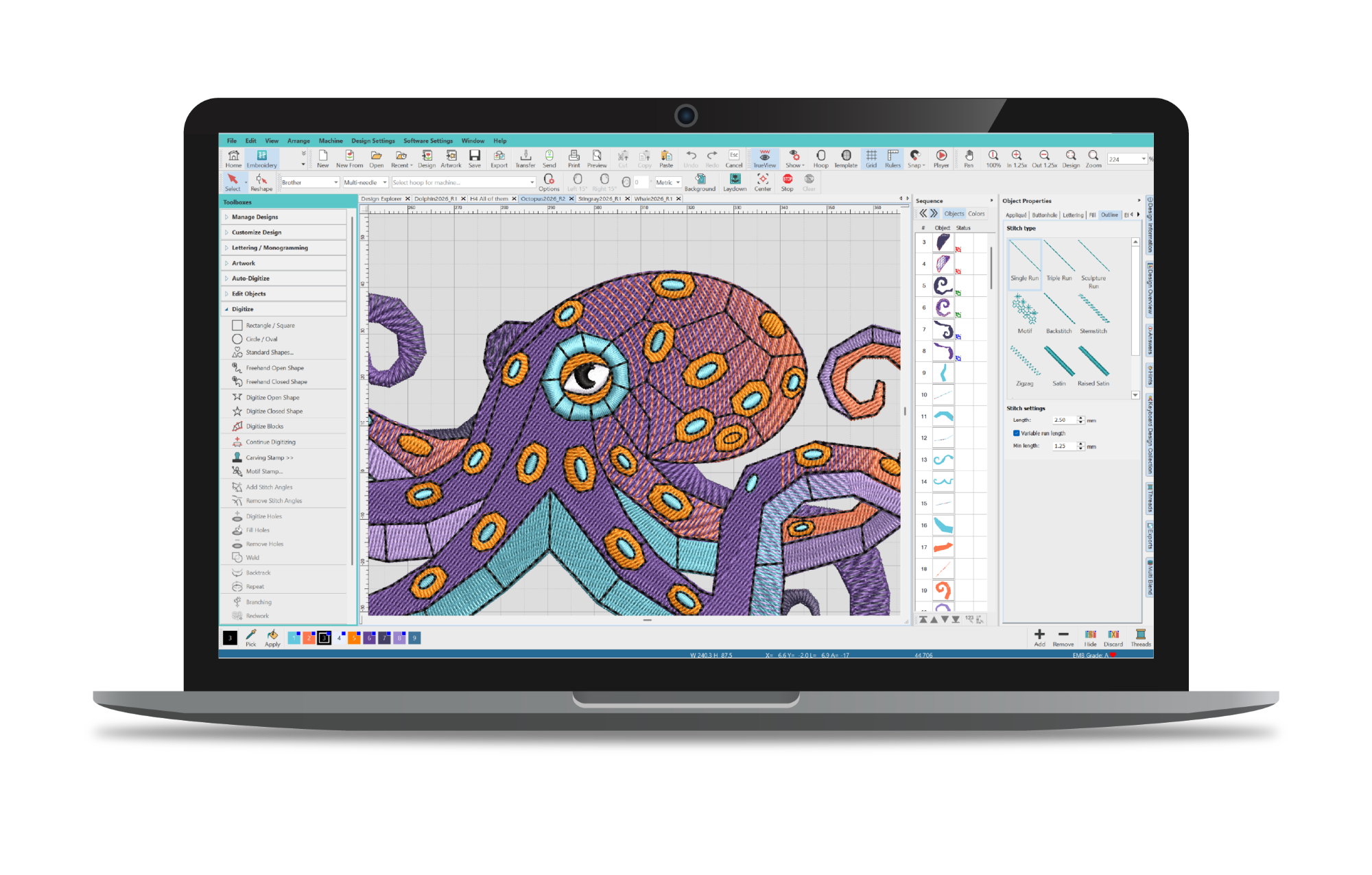
Hatch Embroidery
Compare your version and level before installation.
Explore setup & compatibility →Other embroidery software enquiries
Send the exact release and machine details for a compatibility and service-availability check.