RIP & printing software installation
Installation assistance and configuration guidance for DTF, DTG, UV, sublimation and print-and-cut workflows.
Check your setup on WhatsApp →RIP & printing software
Printer compatibility depends on the exact model, controller, ink configuration and software edition. A matching printhead alone is not enough to confirm support.
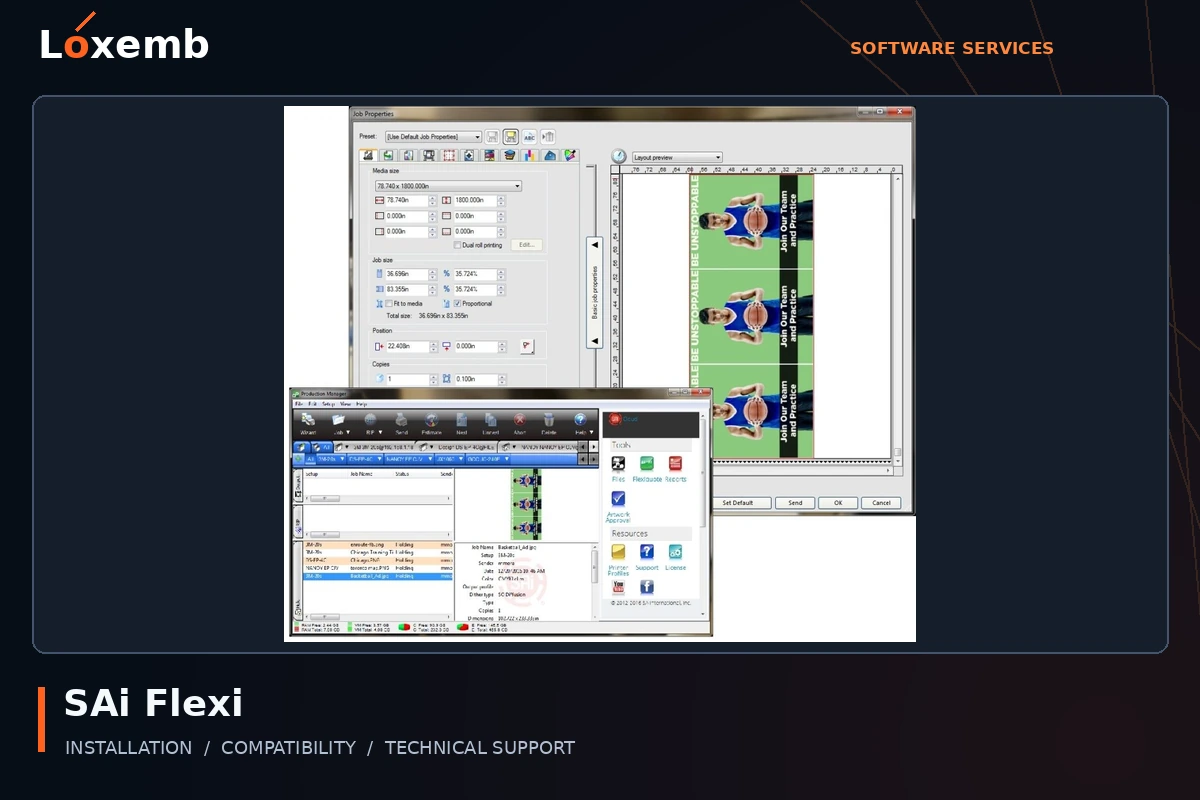
SAi Flexi
Version reference: FlexiSign 24, Flexi 25 and Flexi Complete 26
Identify whether the task needs design, RIP output, cutting or a combined workflow. Flexi Design and Flexi Complete should not be treated as the same package.
Explore SAi Flexi setup →Get Support on WhatsApp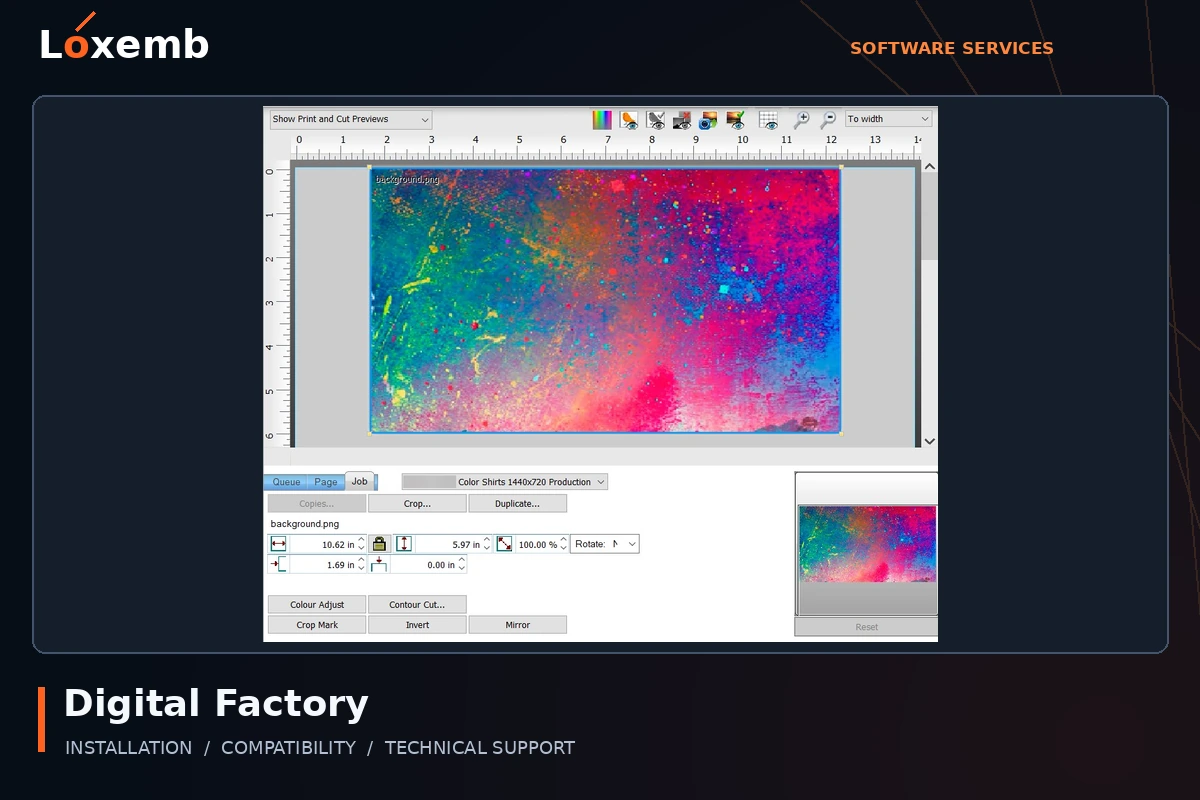
Digital Factory / CADlink
Version reference: Version 11; editions listed below
Match the edition to the printing process and supported equipment before selecting an installer. DTF, UV, sublimation and apparel queues are not interchangeable.
Explore Digital Factory / CADlink setup →Get Support on WhatsApp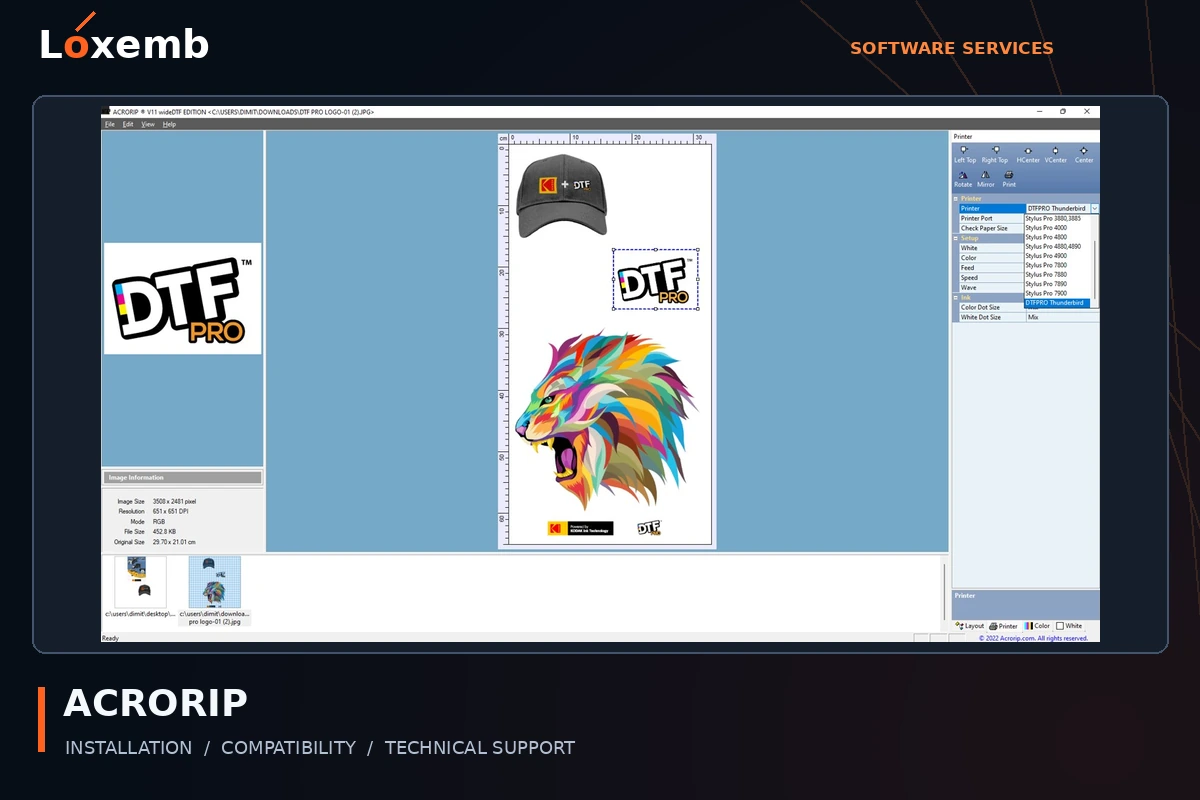
ACRORIP
Version reference: 10.5 and 11.2; exact edition to confirm
For version 11, identify desktopDTF or wideDTF as well as the printer model. A version 10 entitlement does not automatically grant version 11.
Explore ACRORIP setup →Get Support on WhatsApp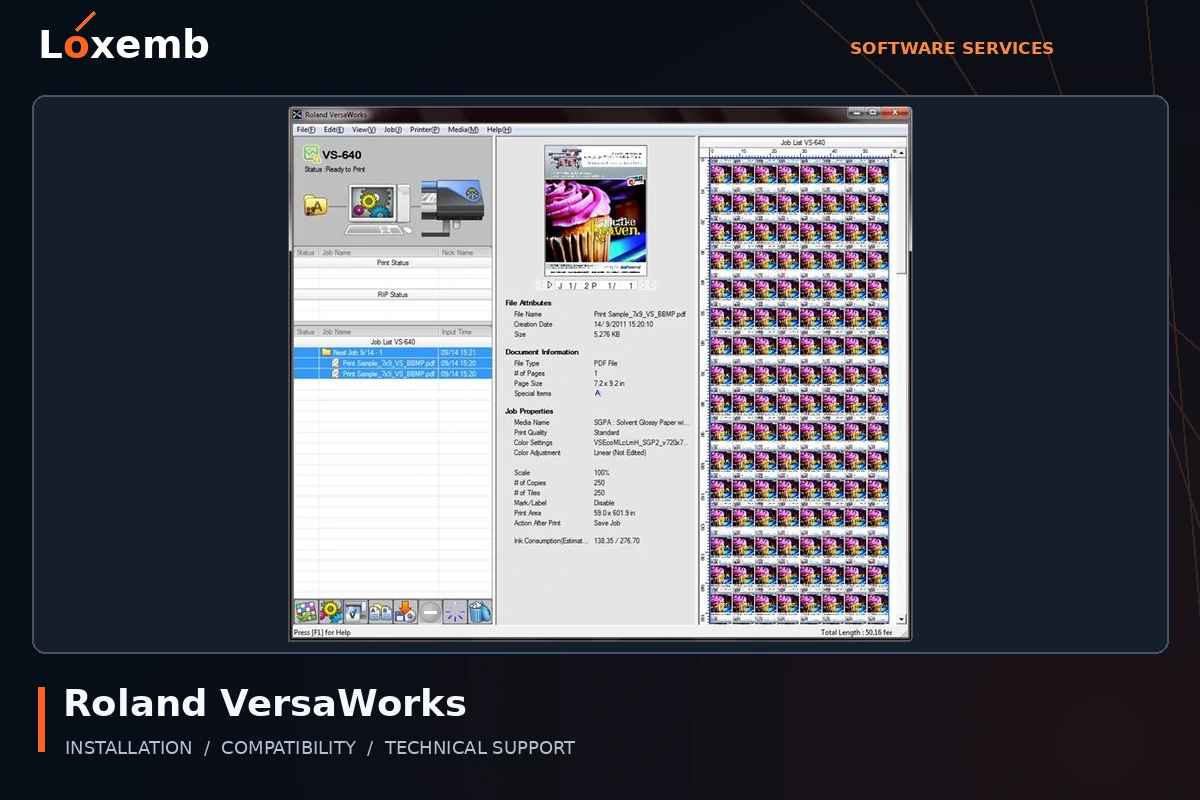
Roland VersaWorks
Version reference: 5.5
Include the exact Roland printer and connection details. Confirm the appropriate manufacturer-provided software and device eligibility.
Explore Roland VersaWorks setup →Get Support on WhatsApp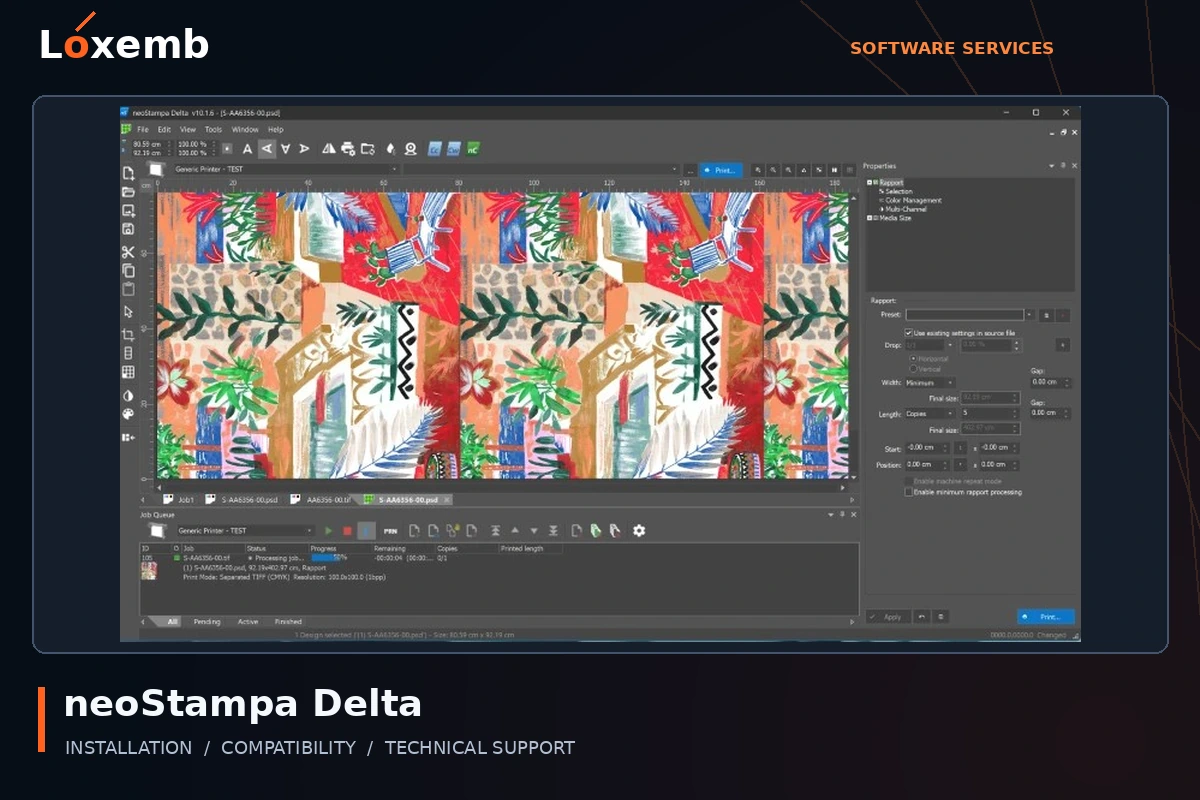
neoStampa
Version reference: Delta 24.8; other builds on request
Send the printer, ink set and media workflow. Keep the exact build and profile source with your setup request.
Explore neoStampa setup →Get Support on WhatsApp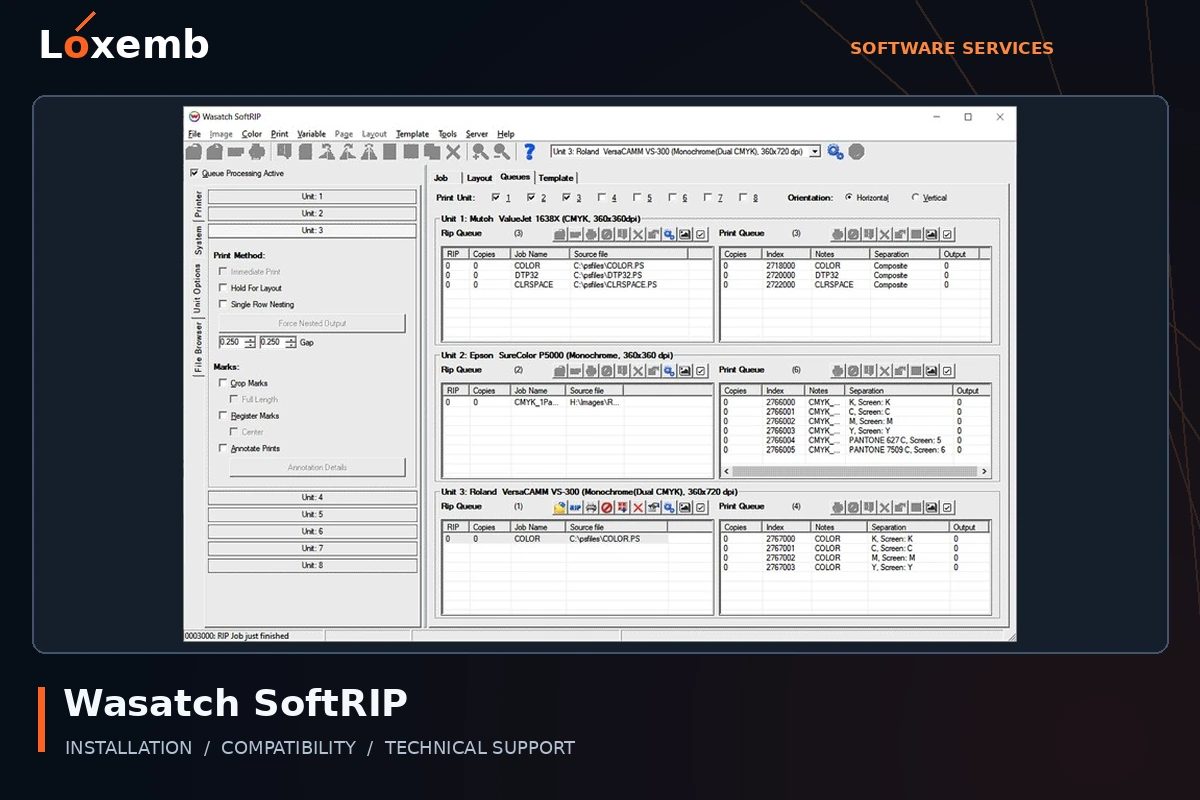
Wasatch SoftRIP
Version reference: 7.4
Provide the printer model, licensed options and intended media. An old installation needs a version-specific compatibility review.
Explore Wasatch SoftRIP setup →Get Support on WhatsApp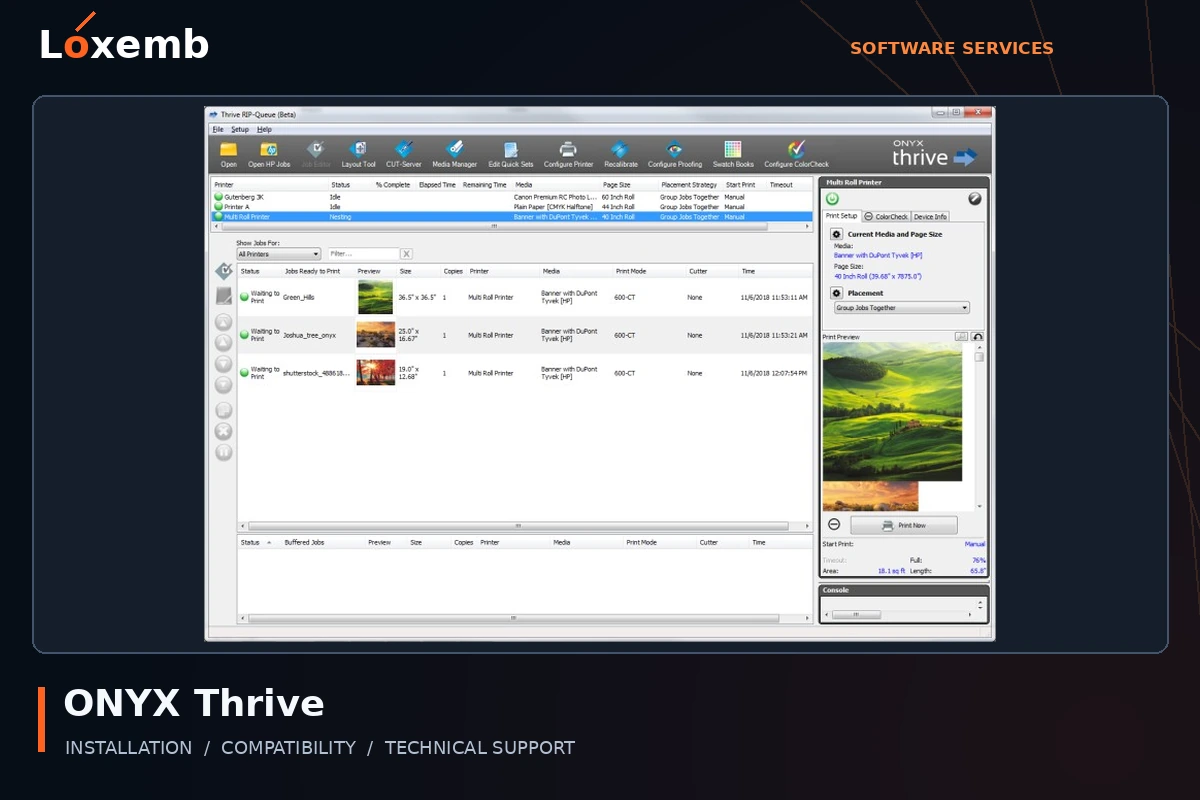
ONYX Thrive
Version reference: 19
Include the printer model, license configuration and existing media profiles before requesting a migration or reinstall.
Explore ONYX Thrive setup →Get Support on WhatsApp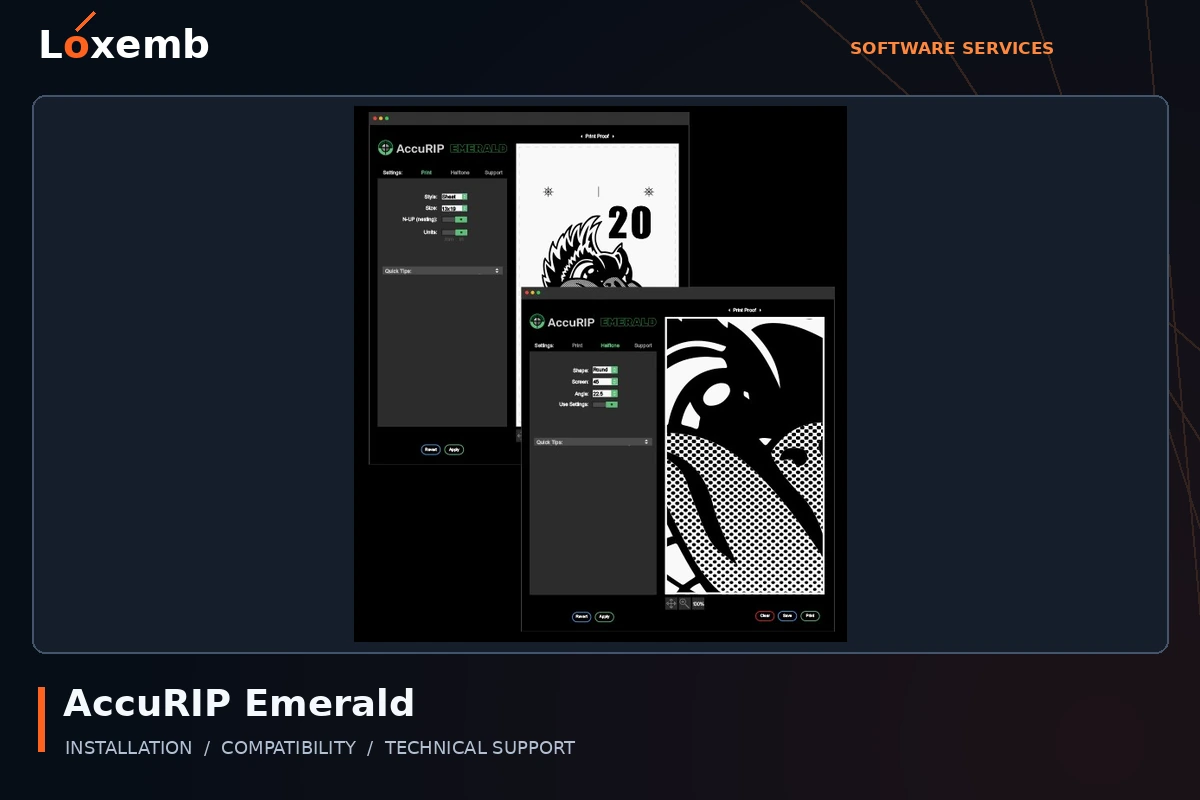
AccuRIP Emerald
Version reference: Exact version to confirm
Describe your film-output workflow and printer configuration. Confirm the specific Emerald license and printer support.
Explore AccuRIP Emerald setup →Get Support on WhatsApp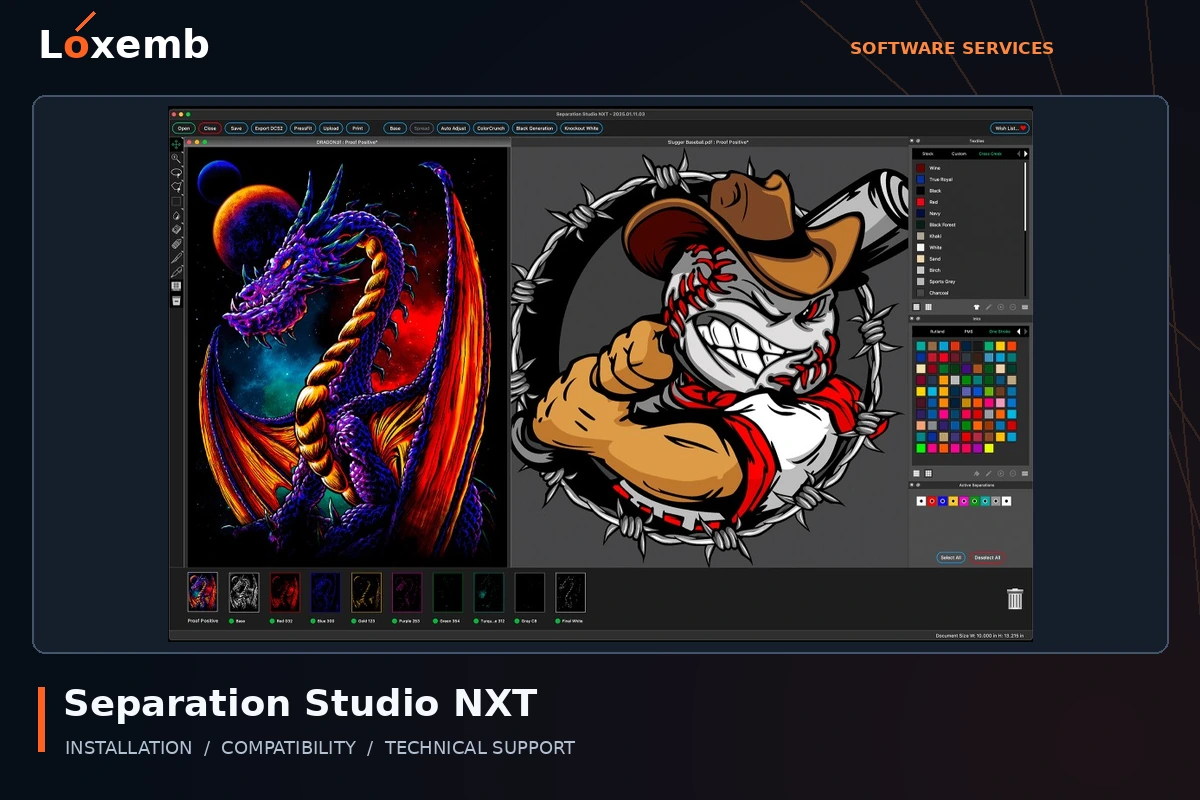
Separation Studio NXT
Version reference: 2024; exact build to confirm
Describe the artwork and separation workflow. AccuRIP and Separation Studio are separate applications even when requested together.
Explore Separation Studio NXT setup →Get Support on WhatsAppStart with the printer, not just the software
Your printer model, controller, ink configuration, connection and exact RIP edition determine what can be supported. Send these details before ordering so we can review compatibility.
Software environment
Review the exact RIP edition, operating system, available storage and valid licence requirements.
Connection guidance
Help with the agreed software installation and supported printer connection or manufacturer-provided driver, where applicable.
Workflow checks
Review queue access and basic configuration with you. A test print depends on the printer being connected and ready.
Prepare for your session
- Computer specifications and Windows version.
- Printer make, model and controller details.
- RIP product, edition and version.
- Original driver and profile information, if available.
- A small test file and a copy of your current settings.
Custom ICC profiling, printer repairs and production colour matching are separate tasks and are not automatically included in software installation. We confirm the work with you in advance.
RIP and printing software directory
Tell us the printer model, ink configuration, software release and production method before choosing a setup. A program name alone does not establish printer compatibility.
- SAi Flexi — ask about your version
- CADlink Digital Factory — ask about your version
- AcroRIP — ask about your version
- Roland VersaWorks — ask about your version
- neoStampa — ask about your version
- Wasatch SoftRIP — ask about your version
- ONYX Thrive — ask about your version
- AccuRIP Emerald — ask about your version
- Separation Studio NXT — ask about your version
Digital Factory workflows
Include the exact edition: DTF, Sublimation, UV, Print & Cut, Apparel Production, Brother, Ricoh, Epson or OKI Pro. We check the edition against your printer and intended process; these are not interchangeable installations.
Before a remote session
Have a nozzle-check result, a sample print file and your existing profile information ready. Colour or white-ink problems may involve the physical printer, ink or media as well as software configuration.