Loxemb software directory
Find your software.
Plan the right setup.
Browse embroidery, RIP printing, vinyl cutting, design and specialist software installation enquiries in one place. Explore 36 software families below, with individual setup guides and a checklist covering nine Digital Factory editions. Send us your version, device and intended workflow for a compatibility review.
This is a setup and support directory, not a statement of license stock. Listed versions identify enquiries we can review. Availability, supported configurations and any license offer must be confirmed before purchase.
Check my software & deviceEmbroidery & digitizing software
Choose the program, edition and machine workflow before arranging installation. Include your embroidery machine model, hoop sizes and the file formats you need to open or export.
Explore embroidery & digitizing software services →
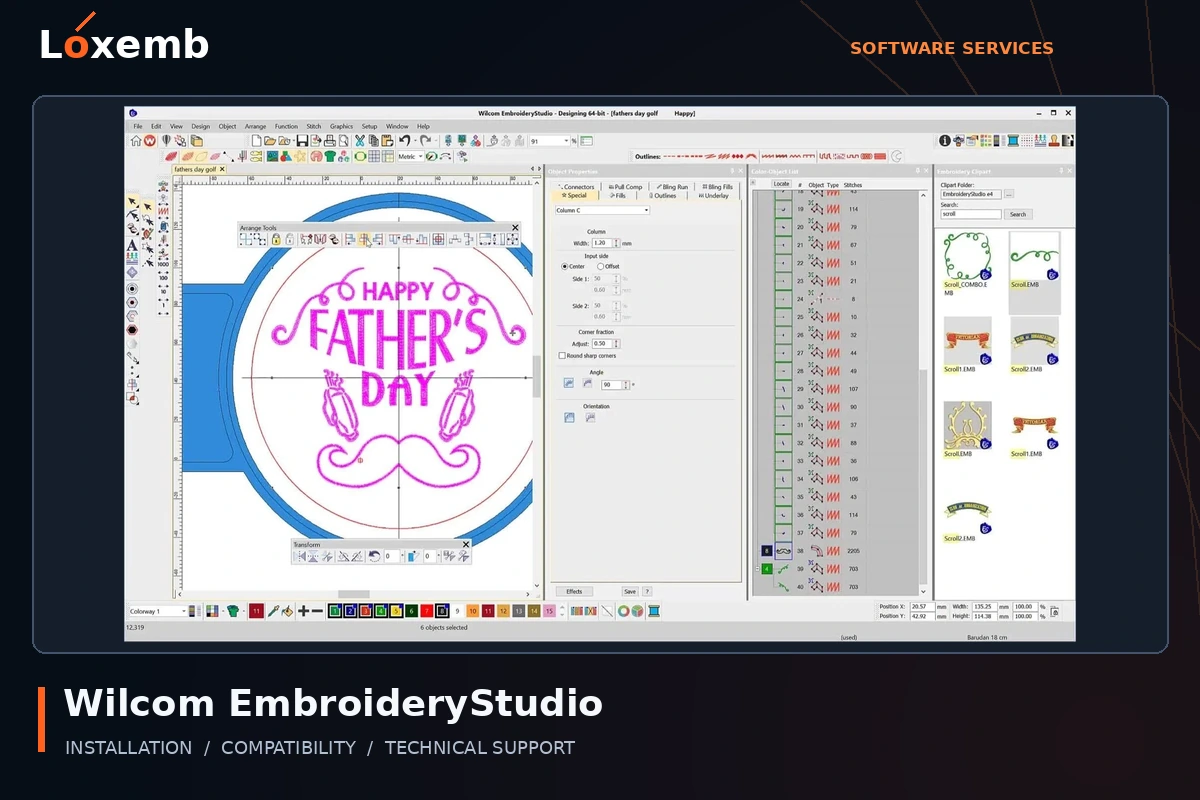
Wilcom EmbroideryStudio
Version reference: E4
Confirm the exact E4 build, licensed modules and any CorelDRAW integration before installation.
Explore Wilcom EmbroideryStudio setup →Get Support on WhatsApp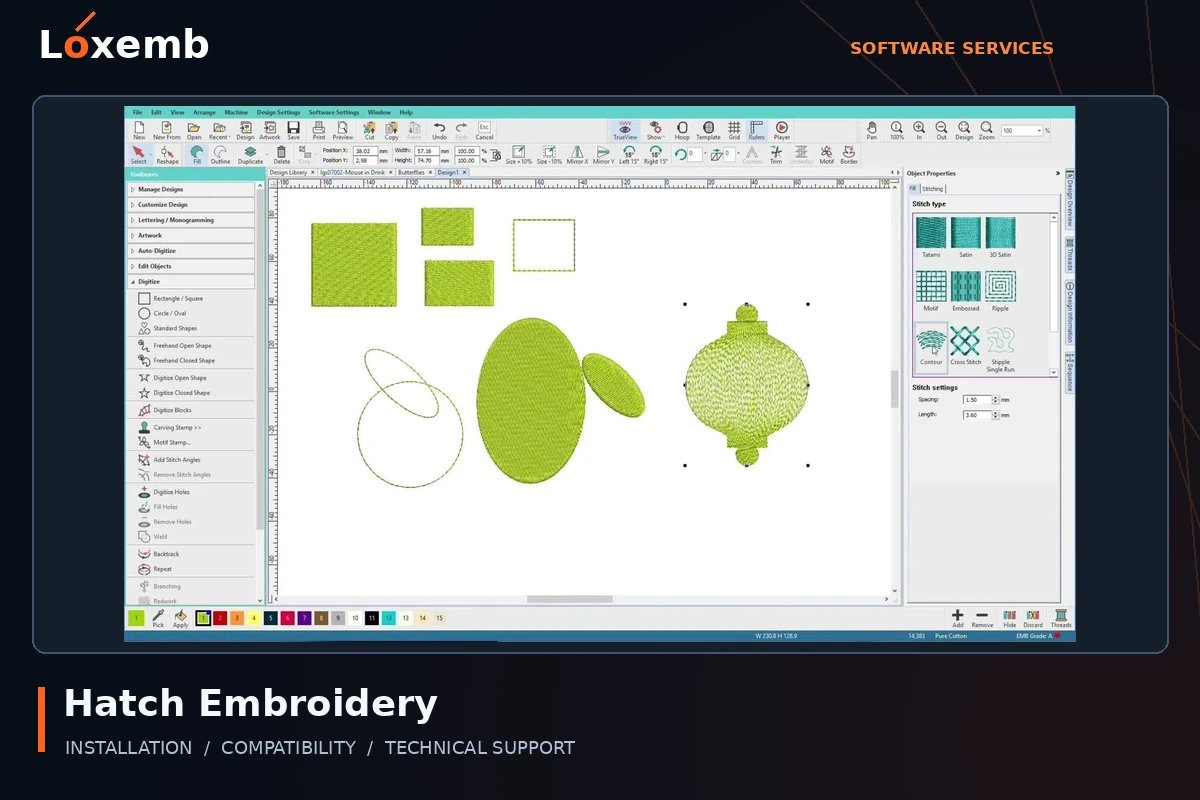
Hatch Embroidery
Version reference: Hatch 2; later editions require a separate compatibility check
Identify the edition and licensed version first. Do not assume a newer installer activates with an older entitlement.
Explore Hatch Embroidery setup →Get Support on WhatsApp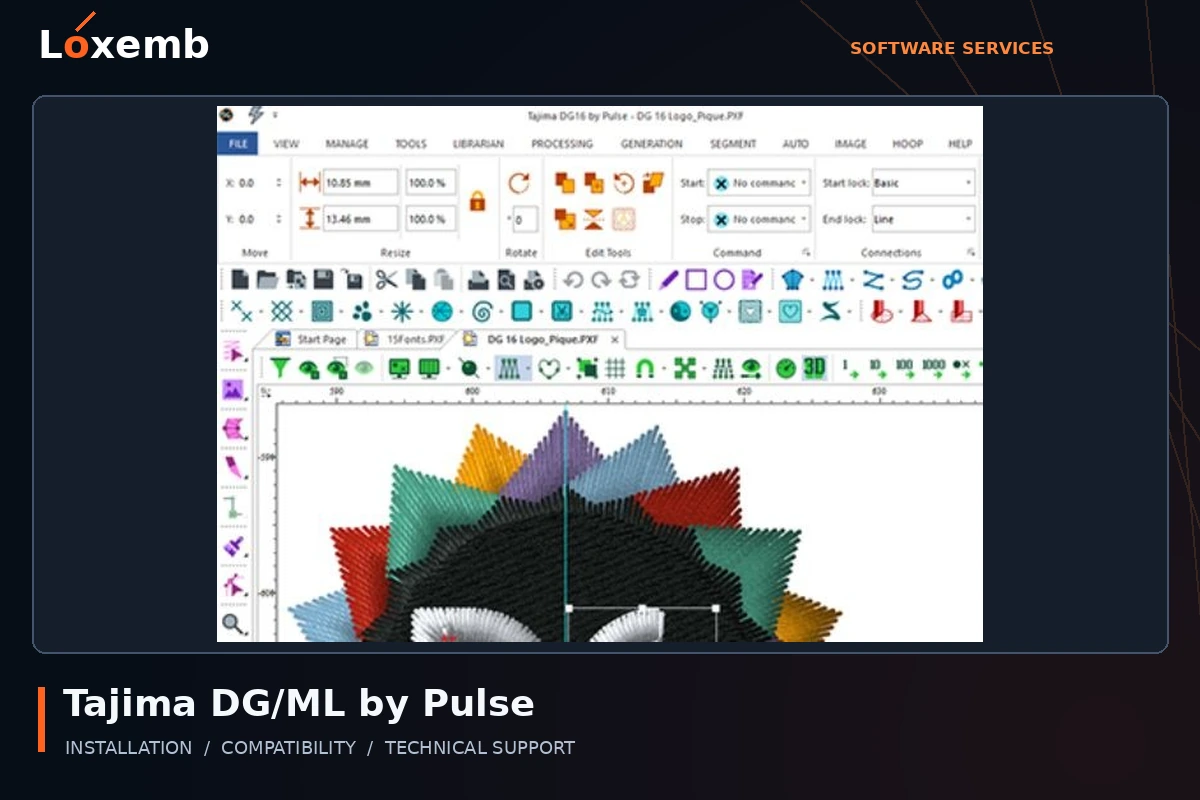
Tajima DG/ML by Pulse
Version reference: DG/ML 16
Send the full edition name, machine connection method and required embroidery output format.
Explore Tajima DG/ML by Pulse setup →Get Support on WhatsApp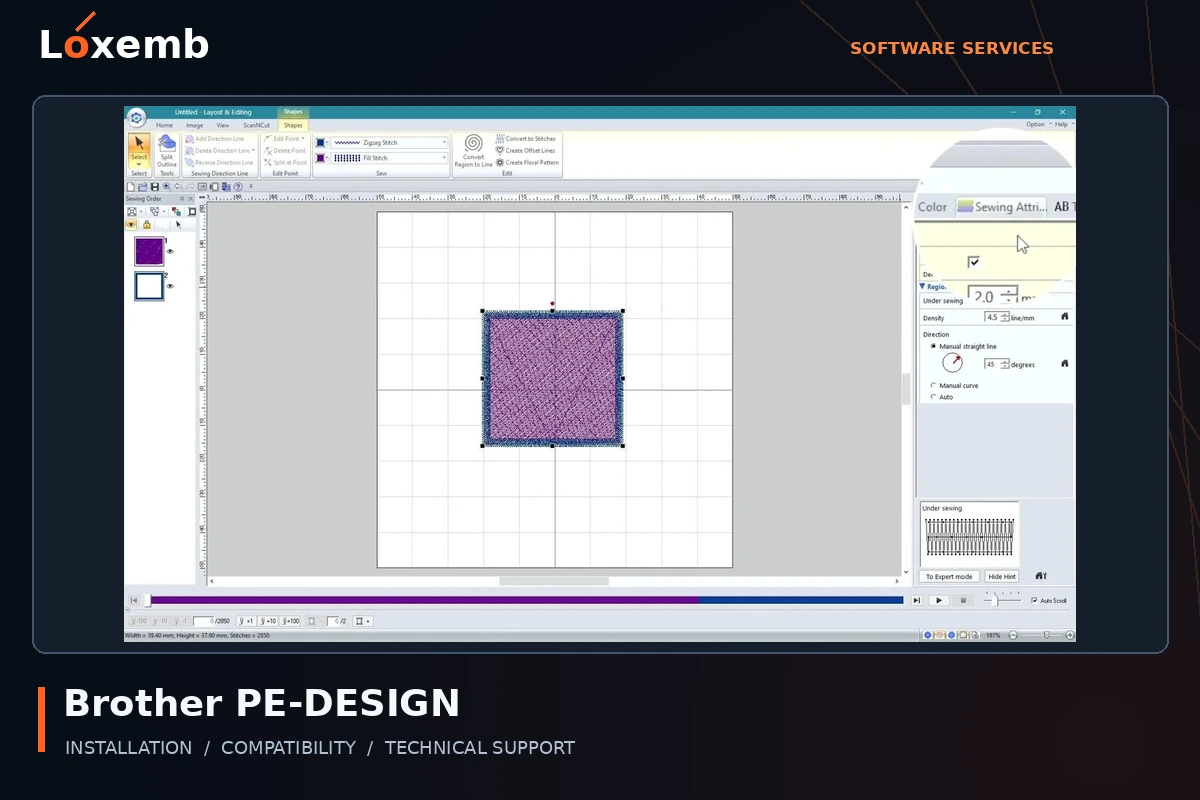
Brother PE-DESIGN
Version reference: PE-DESIGN 11; confirm the exact update build
Tell us whether you have a full or upgrade package and the required software key. Include the Brother machine model.
Explore Brother PE-DESIGN setup →Get Support on WhatsApp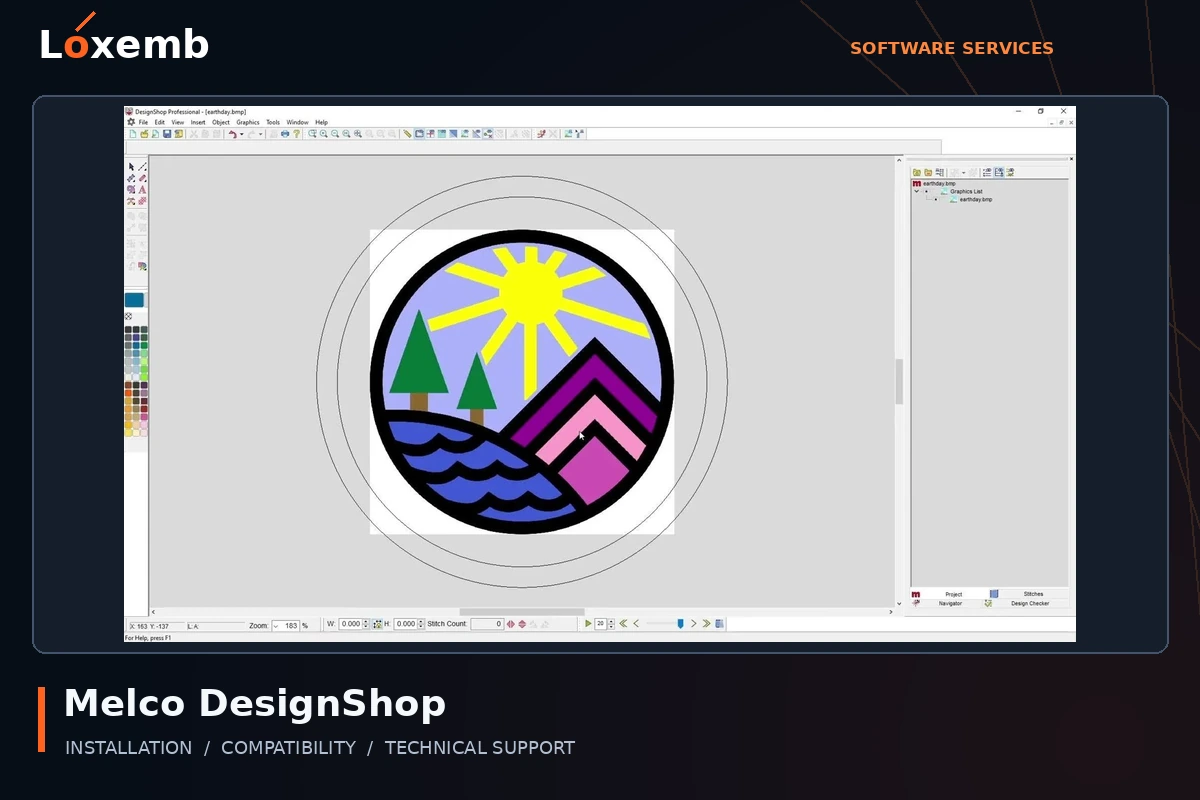
Melco DesignShop
Version reference: DesignShop 9 and 11.3 Pro
Separate design editing requirements from machine control. We need the installed level and the Melco machine workflow.
Explore Melco DesignShop setup →Get Support on WhatsApp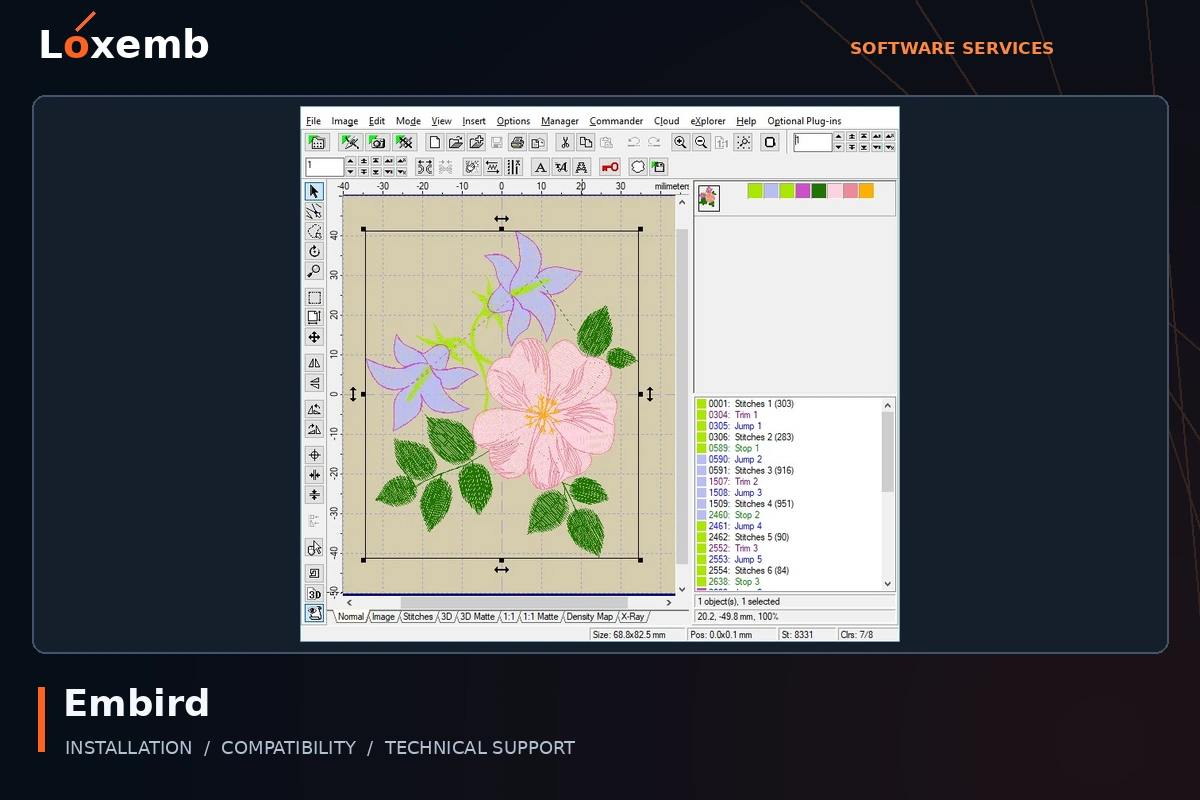
Embird
Version reference: Embird 2017
List the base program and separately licensed modules. An older version needs its own operating-system check.
Explore Embird setup →Get Support on WhatsApp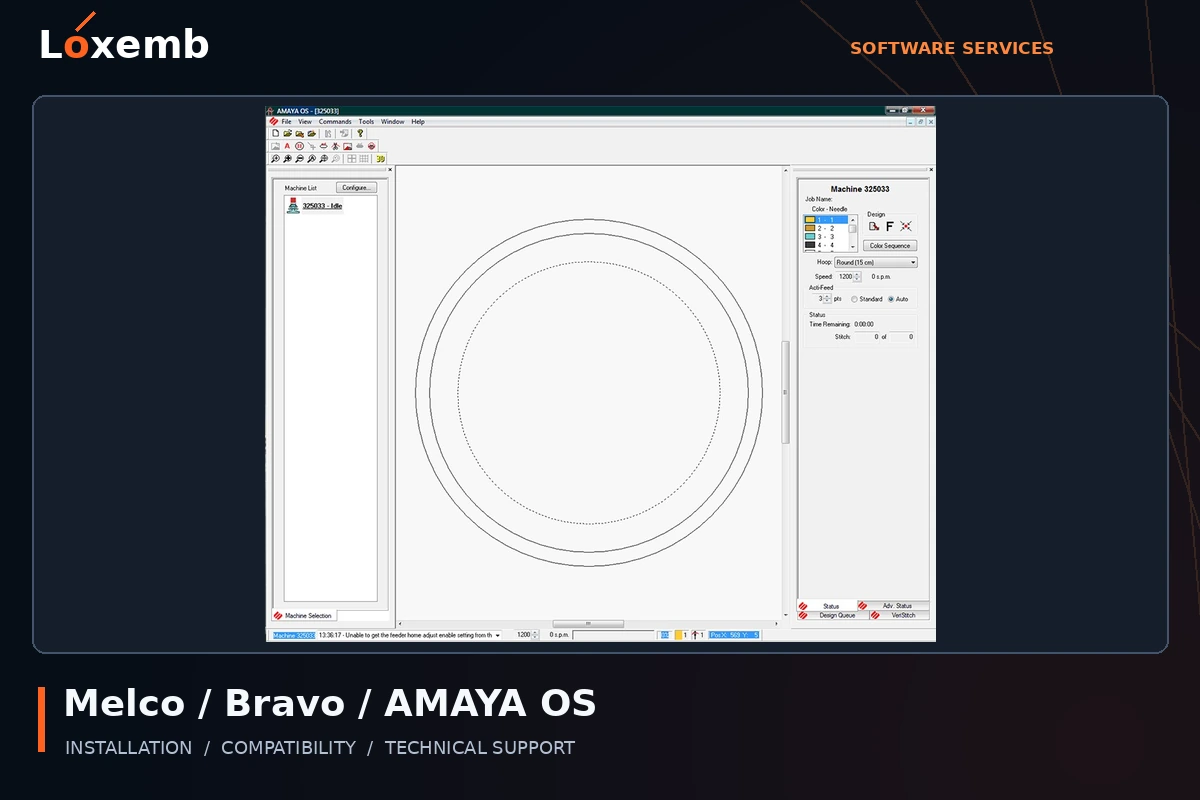
Melco / Bravo / AMAYA OS
Version reference: Version 12.06.42 requires confirmation
Identify the machine and controller configuration. Machine-control software is a different requirement from digitizing software.
Explore Melco / Bravo / AMAYA OS setup →Get Support on WhatsApp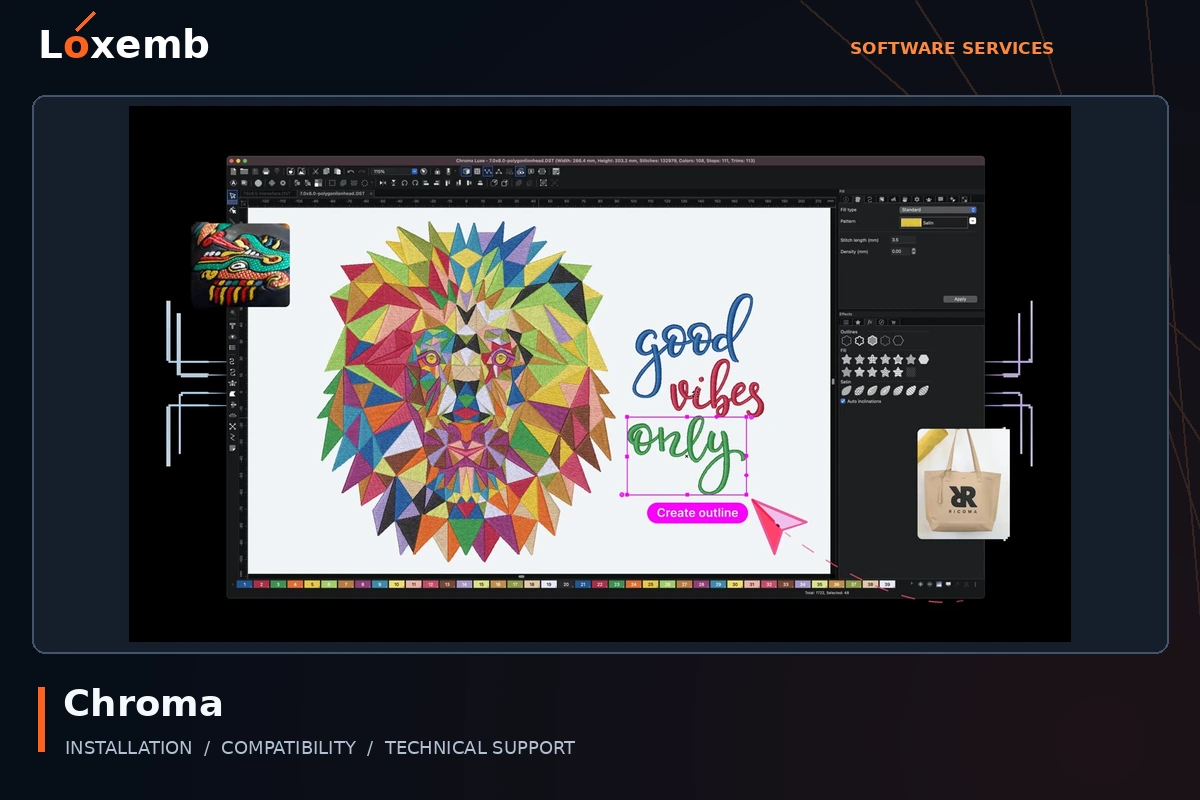
Chroma
Version reference: Lux 24; exact build to confirm
Send the edition shown in the application and your intended digitizing or export workflow.
Explore Chroma setup →Get Support on WhatsApp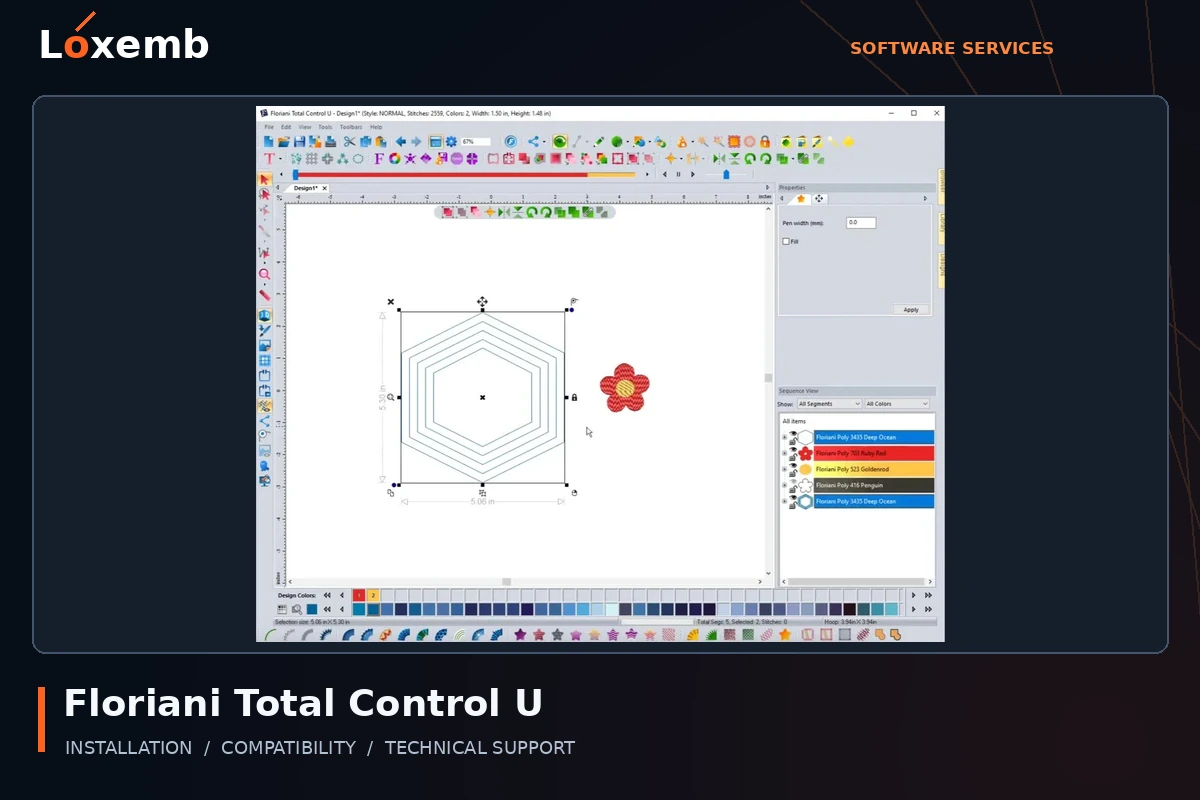
Floriani Total Control U
Version reference: 2021; exact build to confirm
Include the installed version, embroidery machine and the design files you intend to use.
Explore Floriani Total Control U setup →Get Support on WhatsApp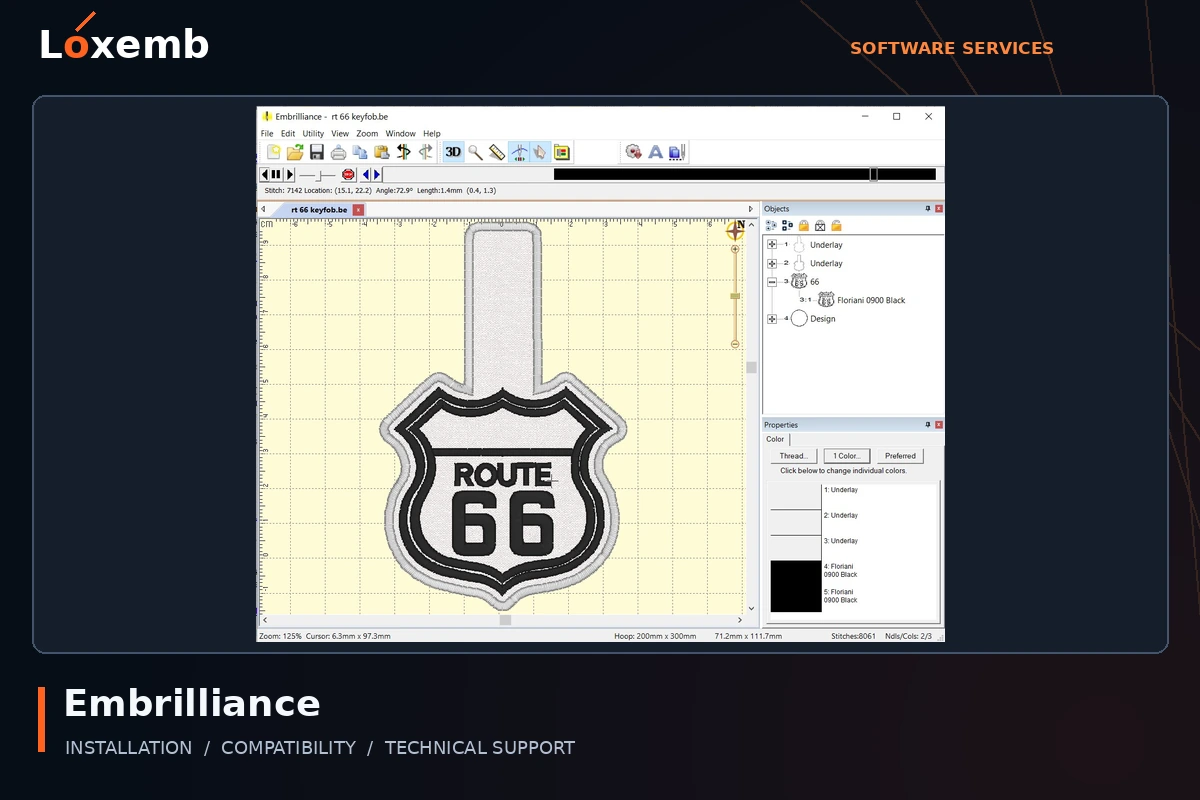
Embrilliance
Edition reference: Essentials, Enthusiast or StitchArtist; confirm your product
Identify the licensed module before installation. StitchArtist levels and Essentials are different products with different functions.
Explore Embrilliance setup →Get Support on WhatsAppRIP & printing software
Printer compatibility depends on the exact model, controller, ink configuration and software edition. A matching printhead alone is not enough to confirm support.
Explore rip & printing software services →
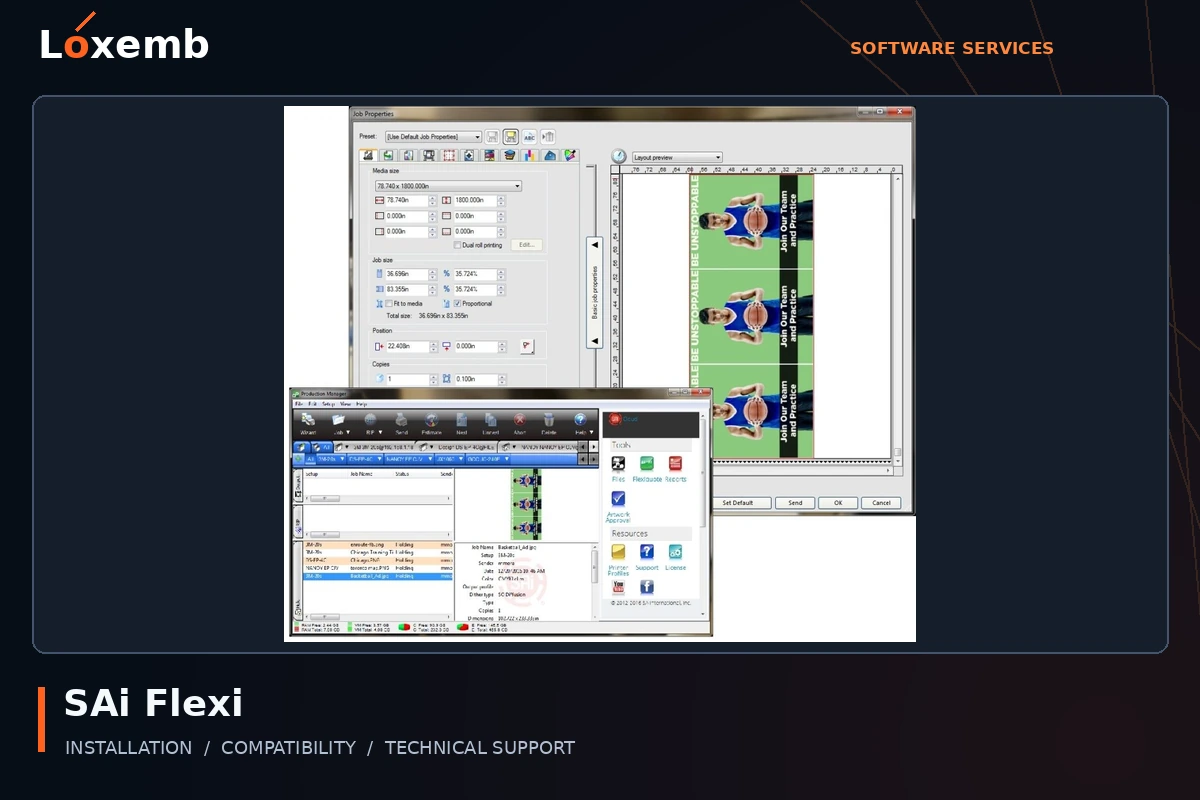
SAi Flexi
Version reference: FlexiSign 24, Flexi 25 and Flexi Complete 26
Identify whether the task needs design, RIP output, cutting or a combined workflow. Flexi Design and Flexi Complete should not be treated as the same package.
Explore SAi Flexi setup →Get Support on WhatsApp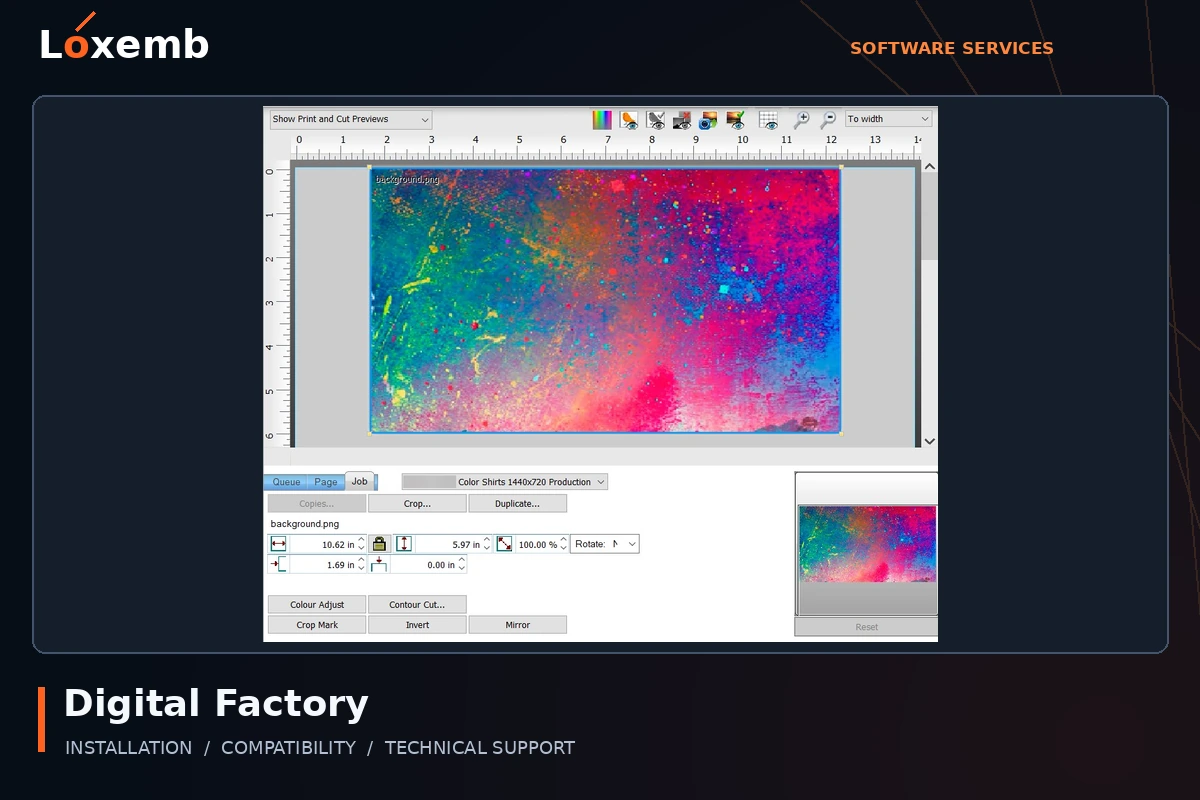
Digital Factory / CADlink
Version reference: Version 11; editions listed below
Match the edition to the printing process and supported equipment before selecting an installer. DTF, UV, sublimation and apparel queues are not interchangeable.
Explore Digital Factory / CADlink setup →Get Support on WhatsApp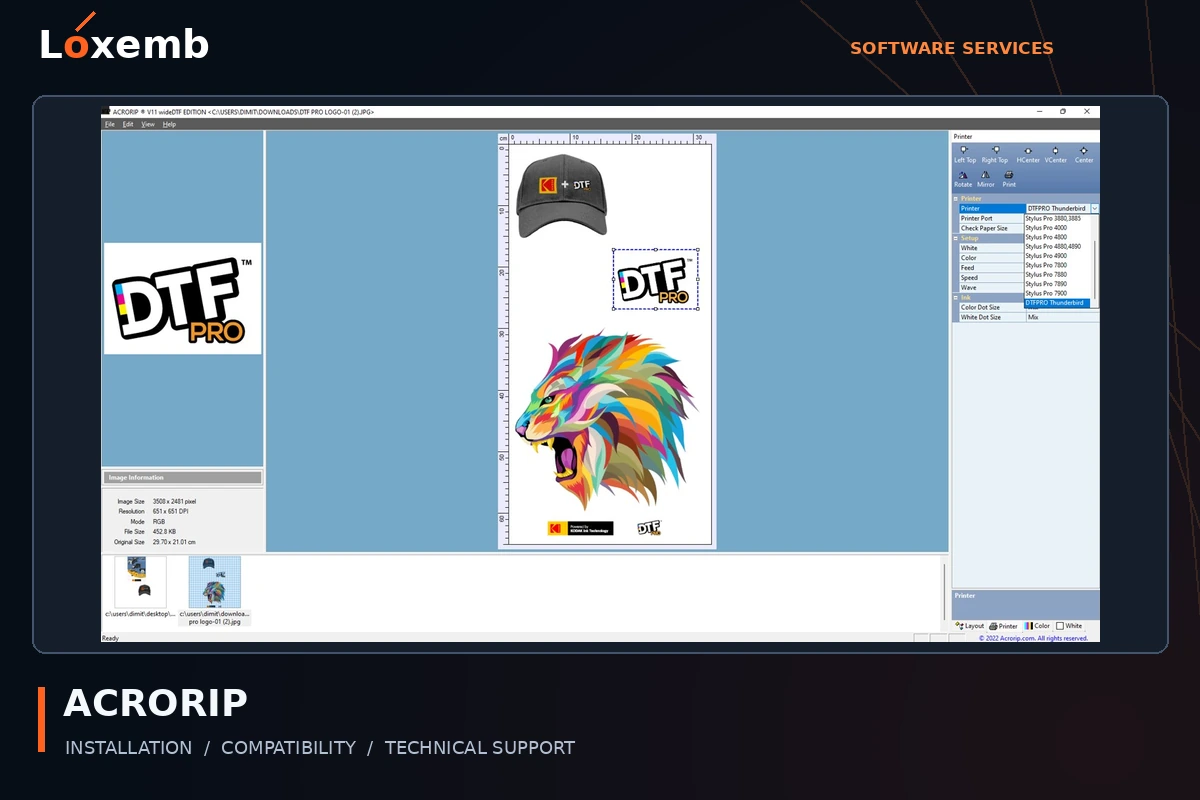
ACRORIP
Version reference: 10.5 and 11.2; exact edition to confirm
For version 11, identify desktopDTF or wideDTF as well as the printer model. A version 10 entitlement does not automatically grant version 11.
Explore ACRORIP setup →Get Support on WhatsApp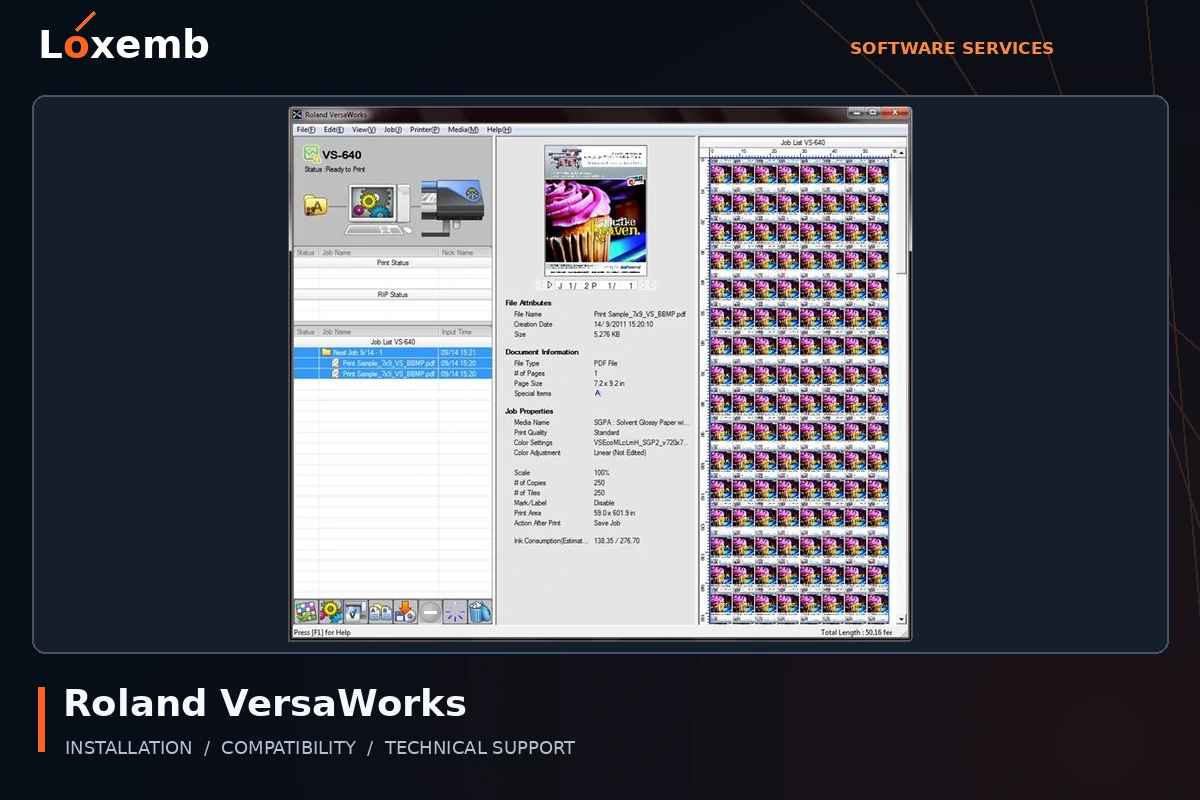
Roland VersaWorks
Version reference: 5.5
Include the exact Roland printer and connection details. Confirm the appropriate manufacturer-provided software and device eligibility.
Explore Roland VersaWorks setup →Get Support on WhatsApp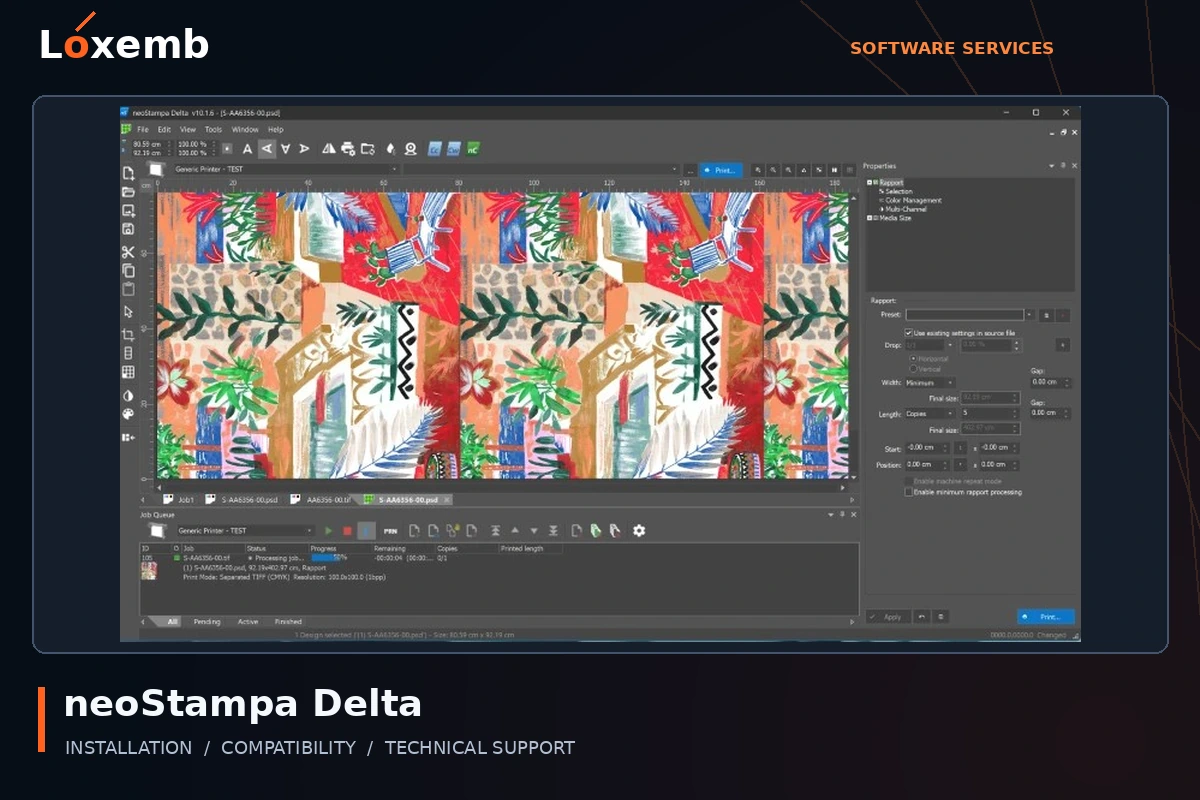
neoStampa
Version reference: Delta 24.8; other builds on request
Send the printer, ink set and media workflow. Keep the exact build and profile source with your setup request.
Explore neoStampa setup →Get Support on WhatsApp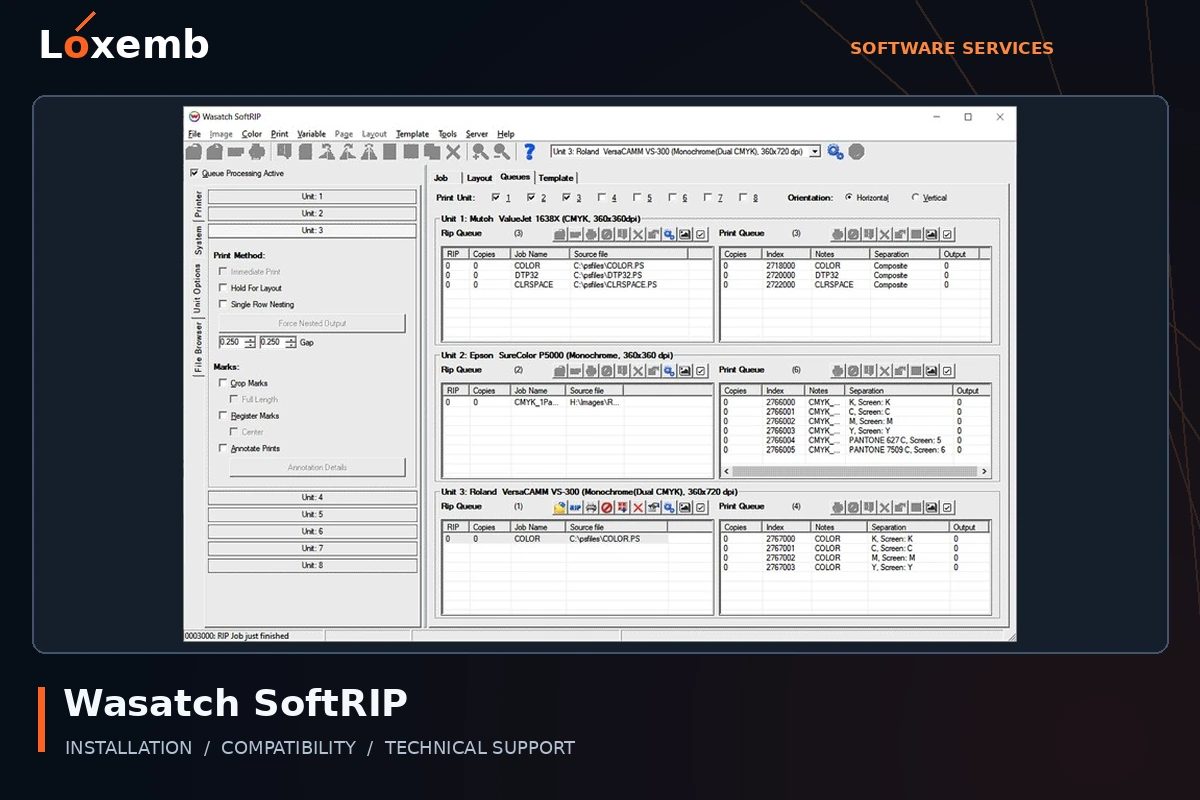
Wasatch SoftRIP
Version reference: 7.4
Provide the printer model, licensed options and intended media. An old installation needs a version-specific compatibility review.
Explore Wasatch SoftRIP setup →Get Support on WhatsApp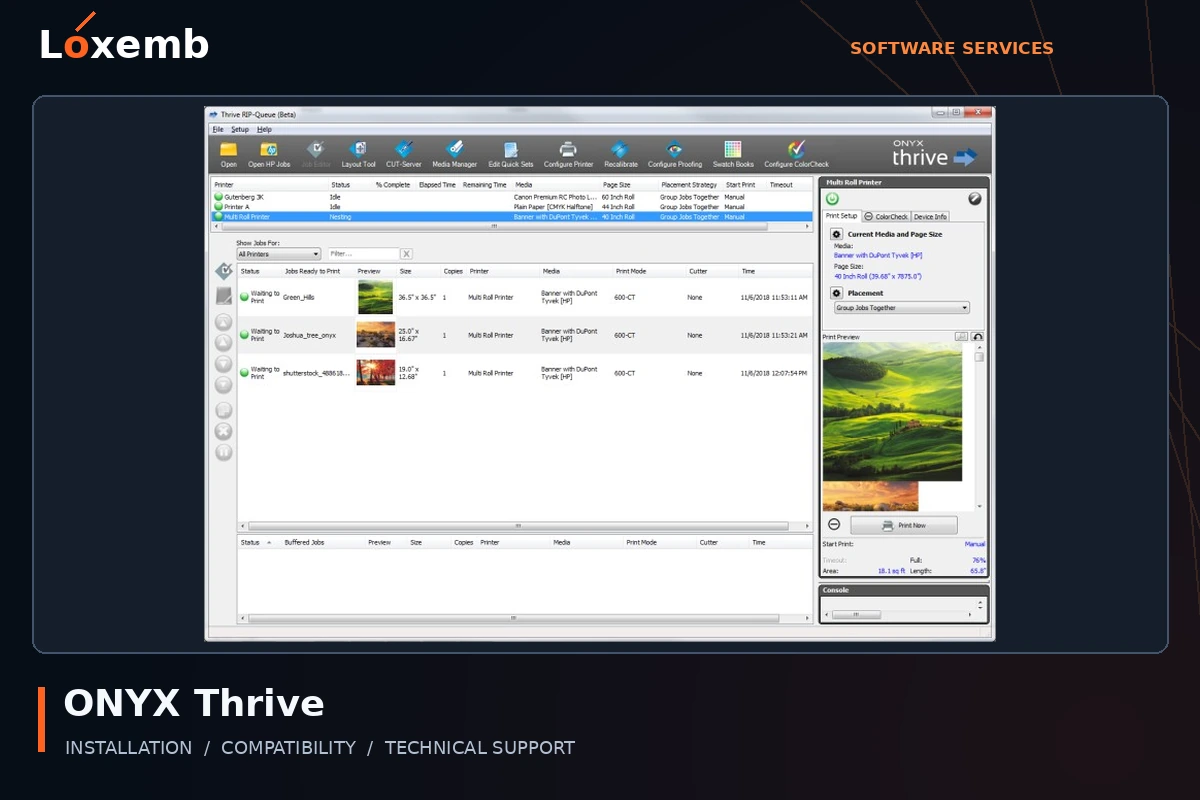
ONYX Thrive
Version reference: 19
Include the printer model, license configuration and existing media profiles before requesting a migration or reinstall.
Explore ONYX Thrive setup →Get Support on WhatsApp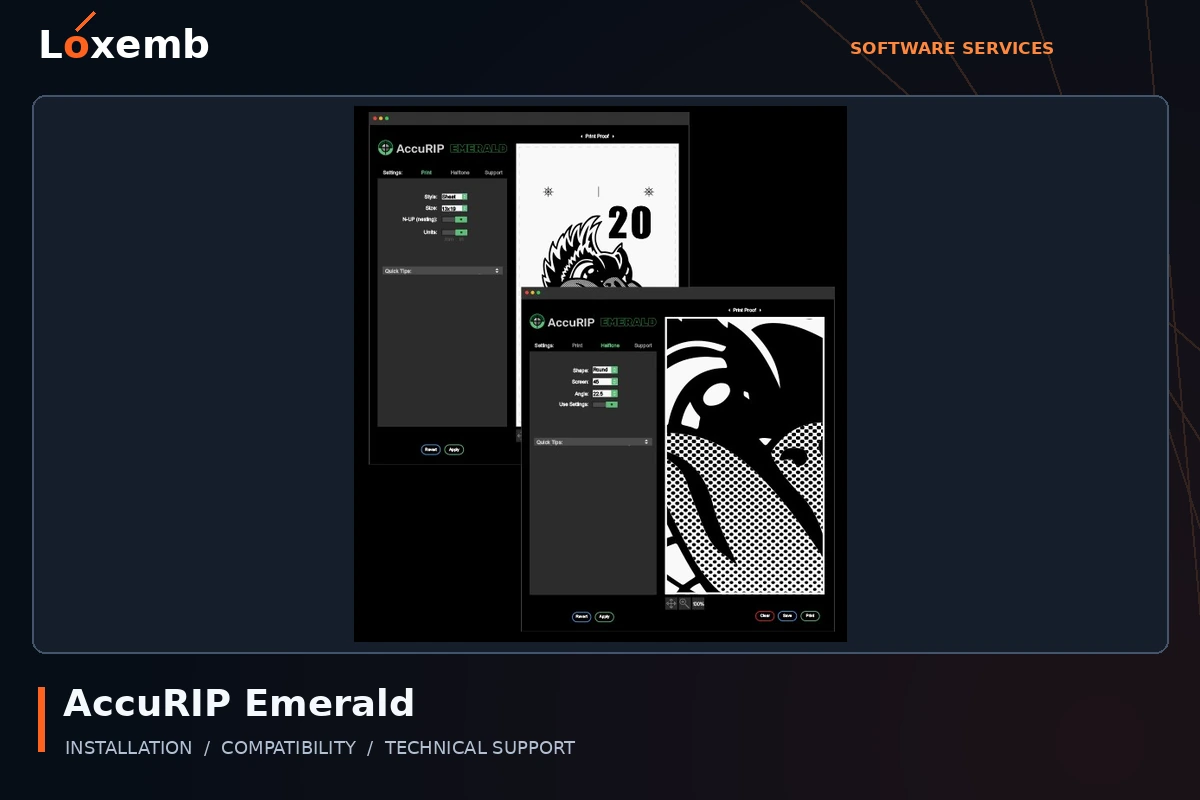
AccuRIP Emerald
Version reference: Exact version to confirm
Describe your film-output workflow and printer configuration. Confirm the specific Emerald license and printer support.
Explore AccuRIP Emerald setup →Get Support on WhatsApp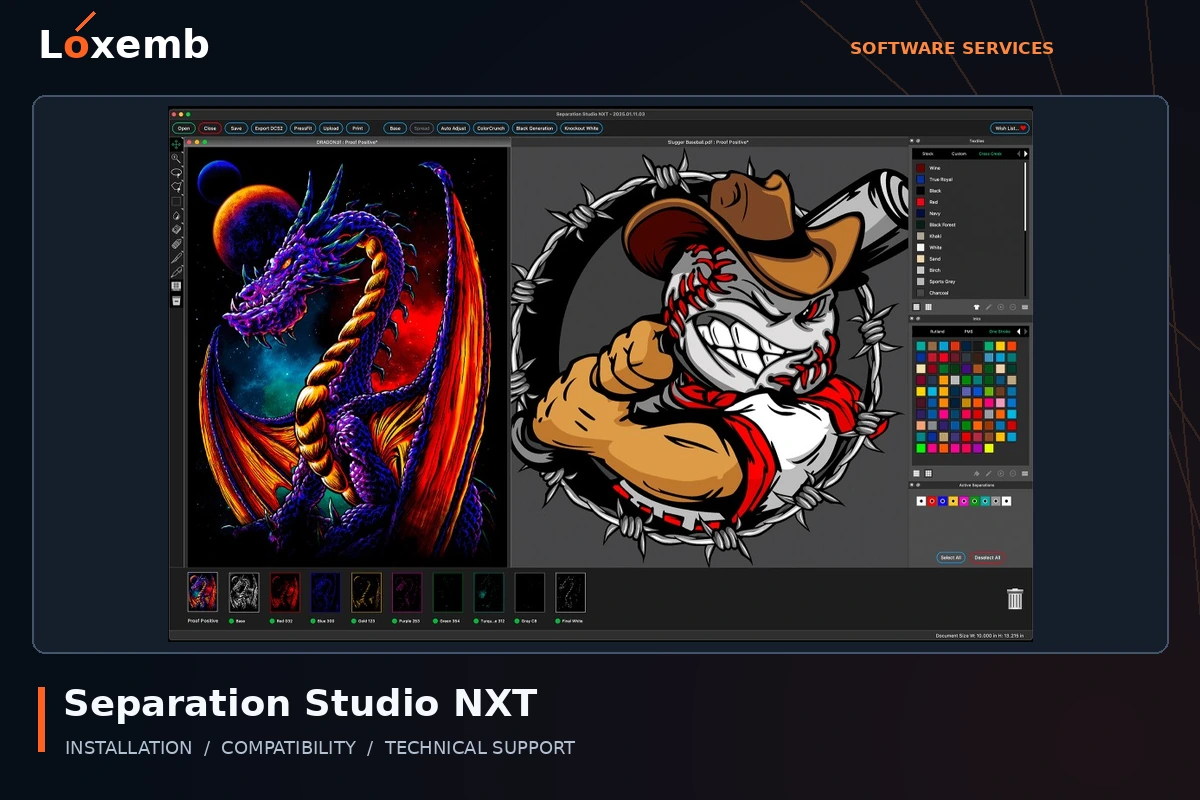
Separation Studio NXT
Version reference: 2024; exact build to confirm
Describe the artwork and separation workflow. AccuRIP and Separation Studio are separate applications even when requested together.
Explore Separation Studio NXT setup →Get Support on WhatsAppVinyl cutting & sign software
Send the cutter make and model, USB or network connection, and whether you need direct vinyl cutting or printed contour cutting. Registration-mark and import requirements should be checked for your edition.
Explore vinyl cutting & sign software services →
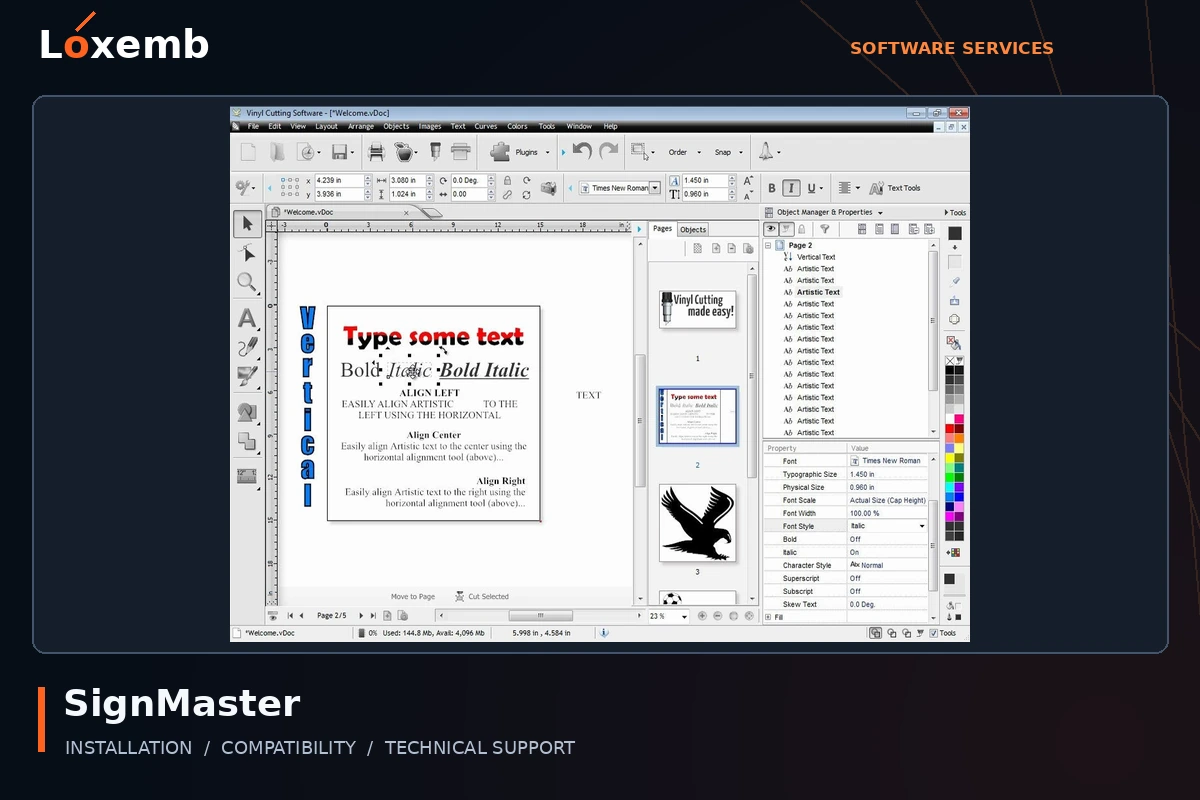
SignMaster
Version reference: V5 and V3.5 Pro
Confirm your edition, cutter connection and print-and-cut requirements.
Explore SignMaster setup →Get Support on WhatsApp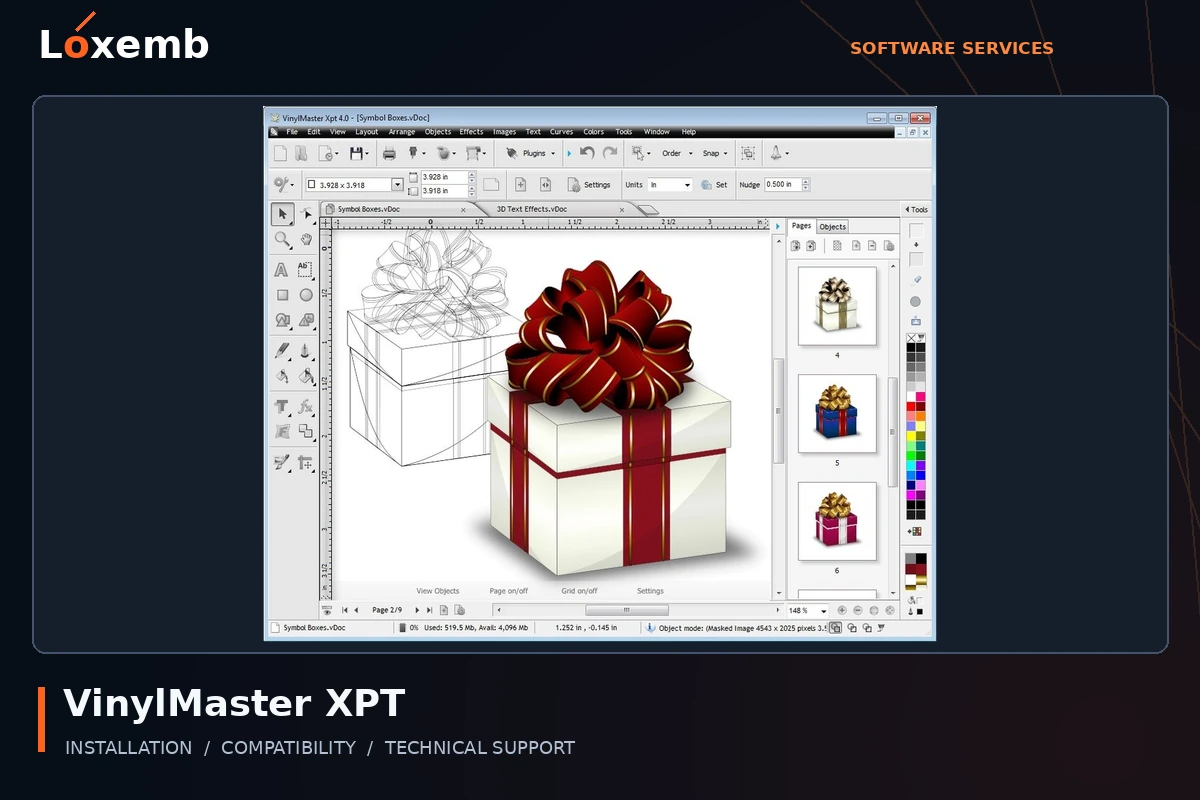
VinylMaster XPT
Version reference: Version 5
Include the cutter model and the file types used in your artwork workflow. Confirm XPT rather than another VinylMaster edition.
Explore VinylMaster XPT setup →Get Support on WhatsApp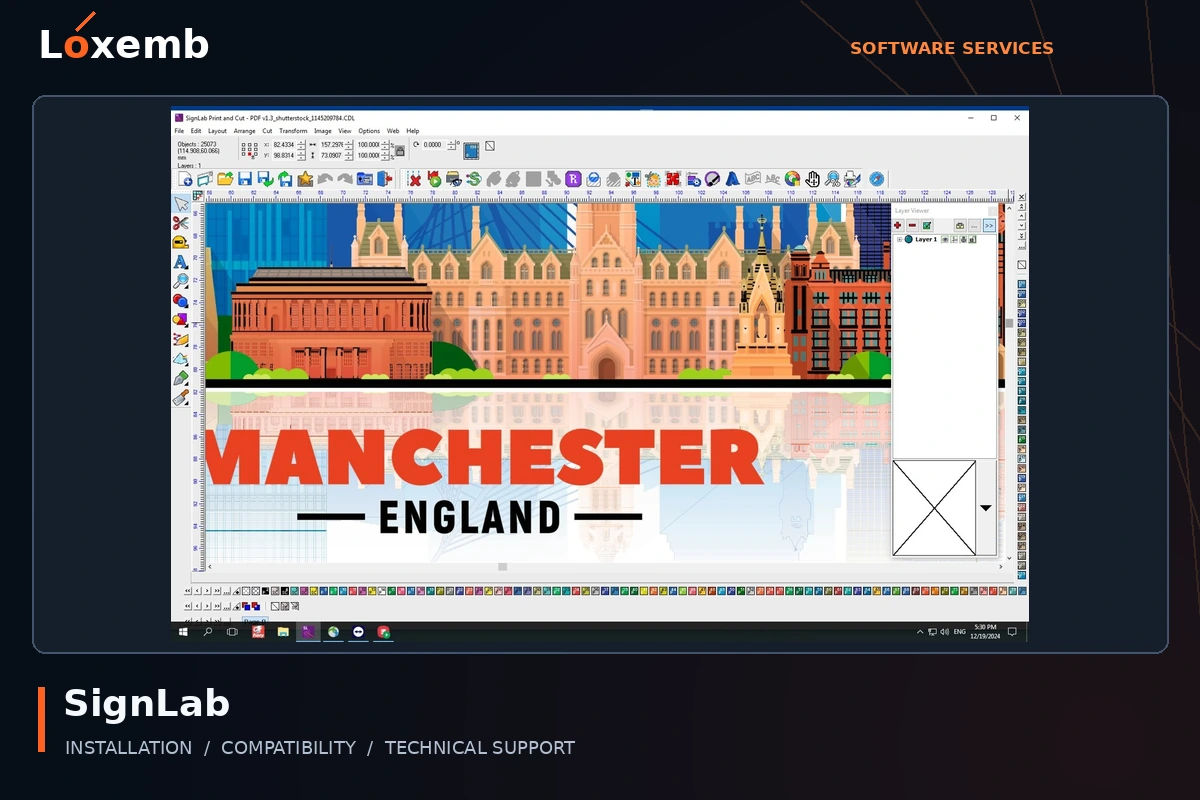
SignLab
Version reference: Version 10
Specify the edition and whether the request concerns design, cutting or print production. Include the connected devices.
Explore SignLab setup →Get Support on WhatsApp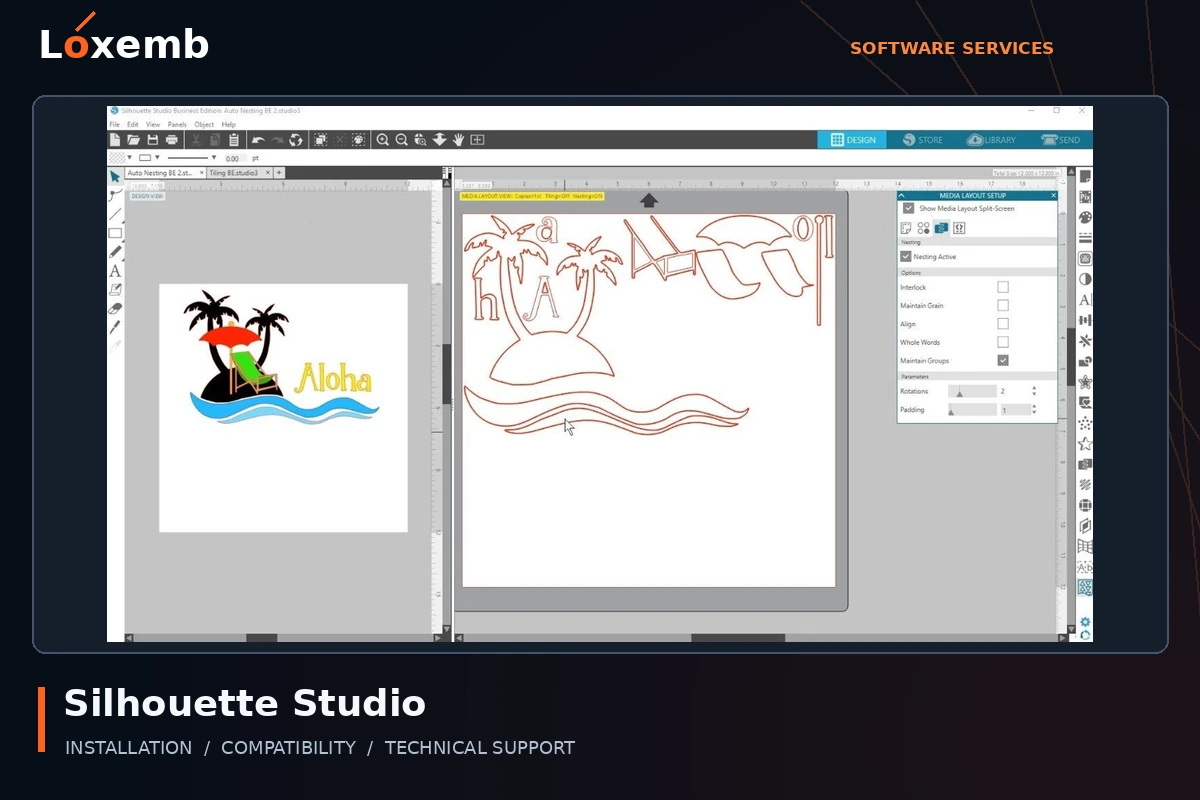
Silhouette Studio Business Edition
Version reference: Exact application build to confirm
Tell us whether you already own an edition upgrade and which Silhouette machine you use. Edition activation and machine setup are separate checks.
Explore Silhouette Studio Business Edition setup →Get Support on WhatsApp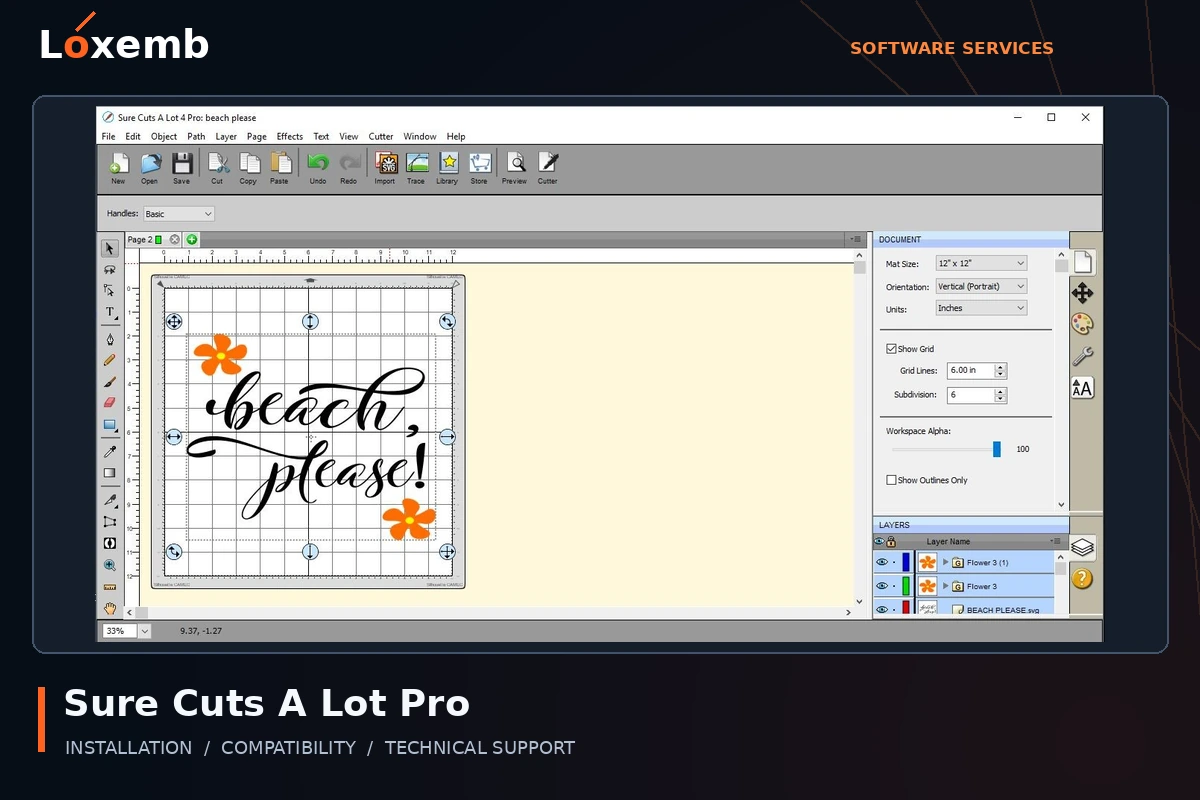
Sure Cuts A Lot Pro
Version reference: Exact version to confirm
Send the full Pro version and cutter model. Compatibility must be checked against that release rather than the product name alone.
Explore Sure Cuts A Lot Pro setup →Get Support on WhatsApp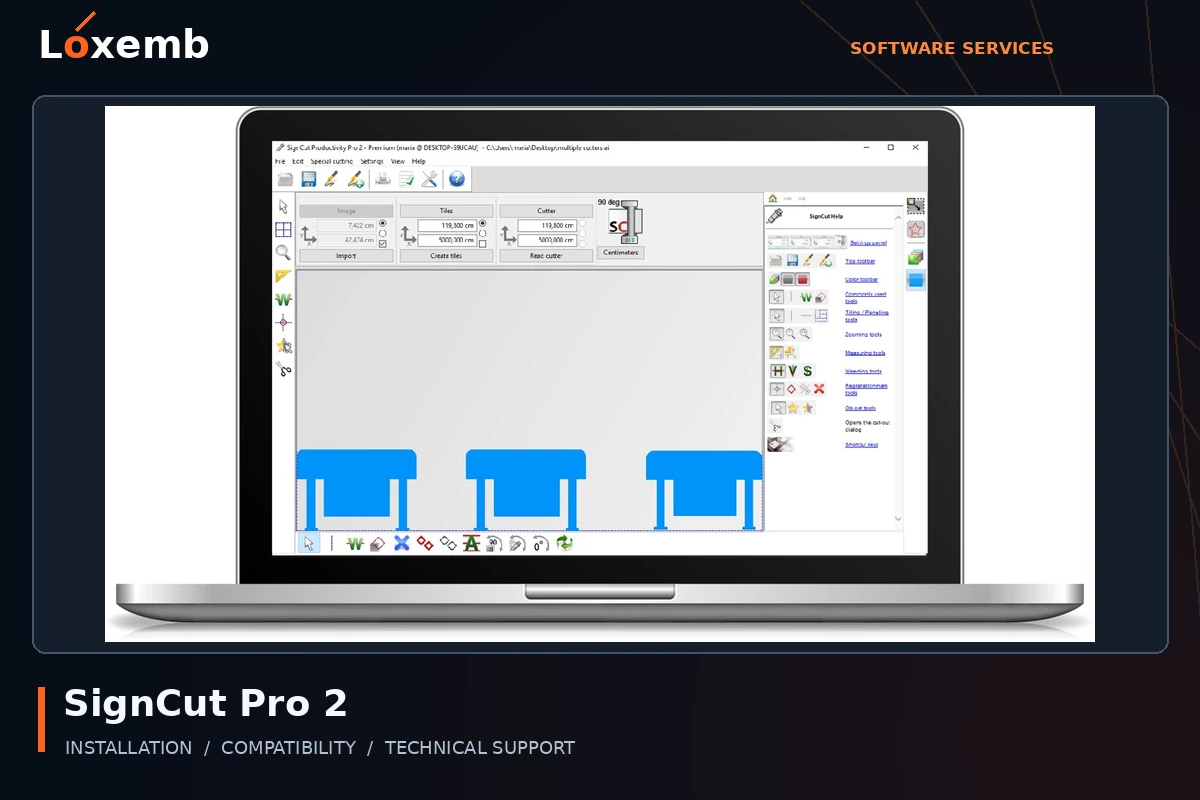
SignCut Pro 2
Version reference: Exact build to confirm
Include your cutter, connection method and existing entitlement. Describe whether the problem is import, connection or output.
Explore SignCut Pro 2 setup →Get Support on WhatsApp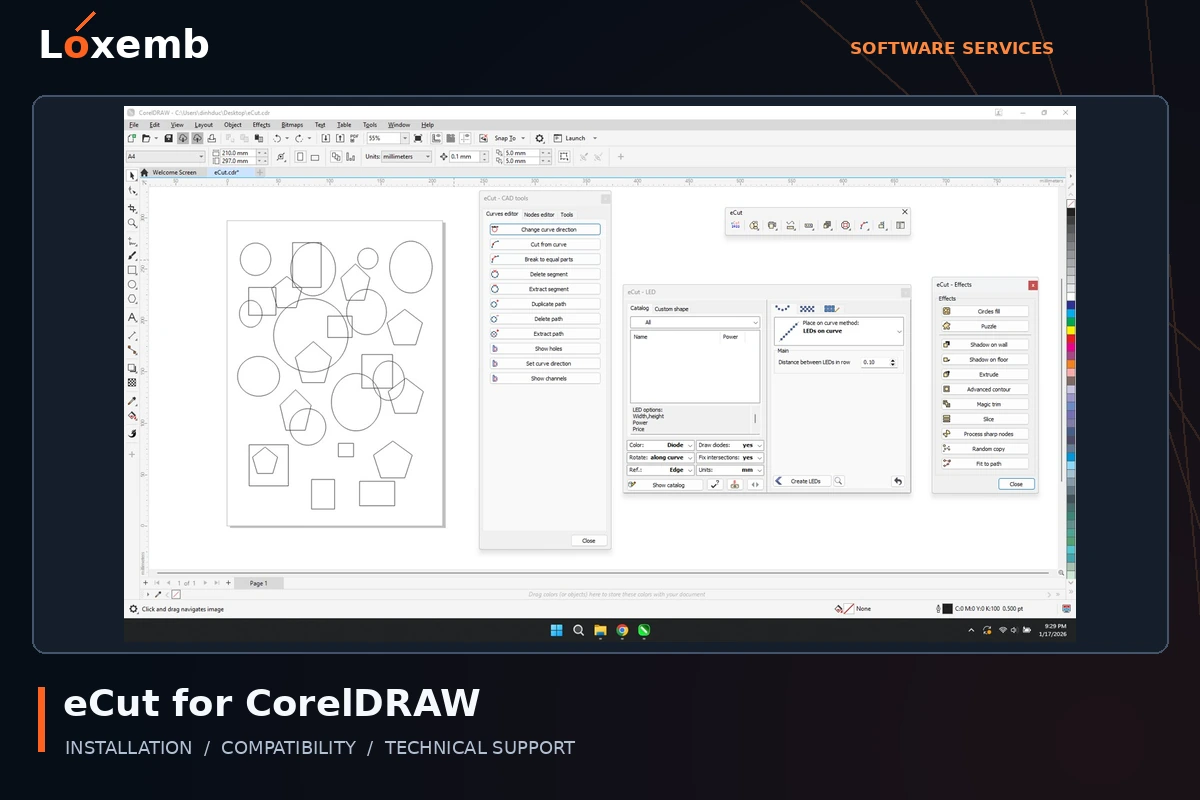
eCut for CorelDRAW
Version reference: 7.4.12.57; CorelDRAW 2026 pairing to verify
This request needs both the eCut build and the installed CorelDRAW version. Confirm the compatibility of the plug-in and host application before setup.
Explore eCut for CorelDRAW setup →Get Support on WhatsAppDesign, CAD, CNC & specialist software
These applications serve different workflows. Tell us the exact task and hardware so we can confirm whether Loxemb can support your configuration before you pay.
Explore design, cad, cnc & specialist software services →
CorelDRAW Graphics Suite
Version reference: 2018 and 2026
For a Wilcom workflow, confirm the exact supported integration. General design setup and embroidery integration require different checks.
Explore CorelDRAW Graphics Suite setup →Get Support on WhatsApp
Adobe Photoshop
Version reference: 2025
Identify your Adobe entitlement and operating system. A Loxemb service package does not replace an Adobe subscription or change its terms.
Explore Adobe Photoshop setup →Get Support on WhatsApp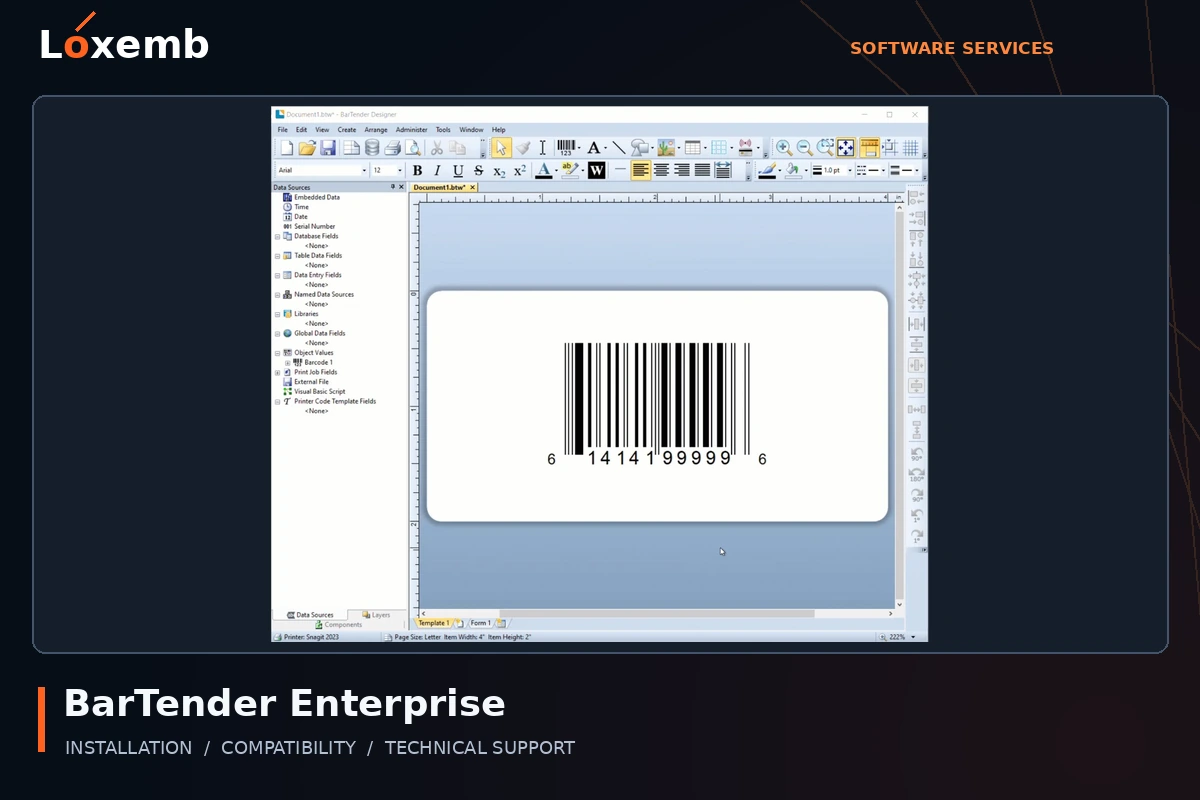
BarTender Enterprise
Version reference: Exact release to confirm
Specify the label printer, data sources and intended deployment. Confirm the actual edition and licensing model before setup.
Explore BarTender Enterprise setup →Get Support on WhatsApp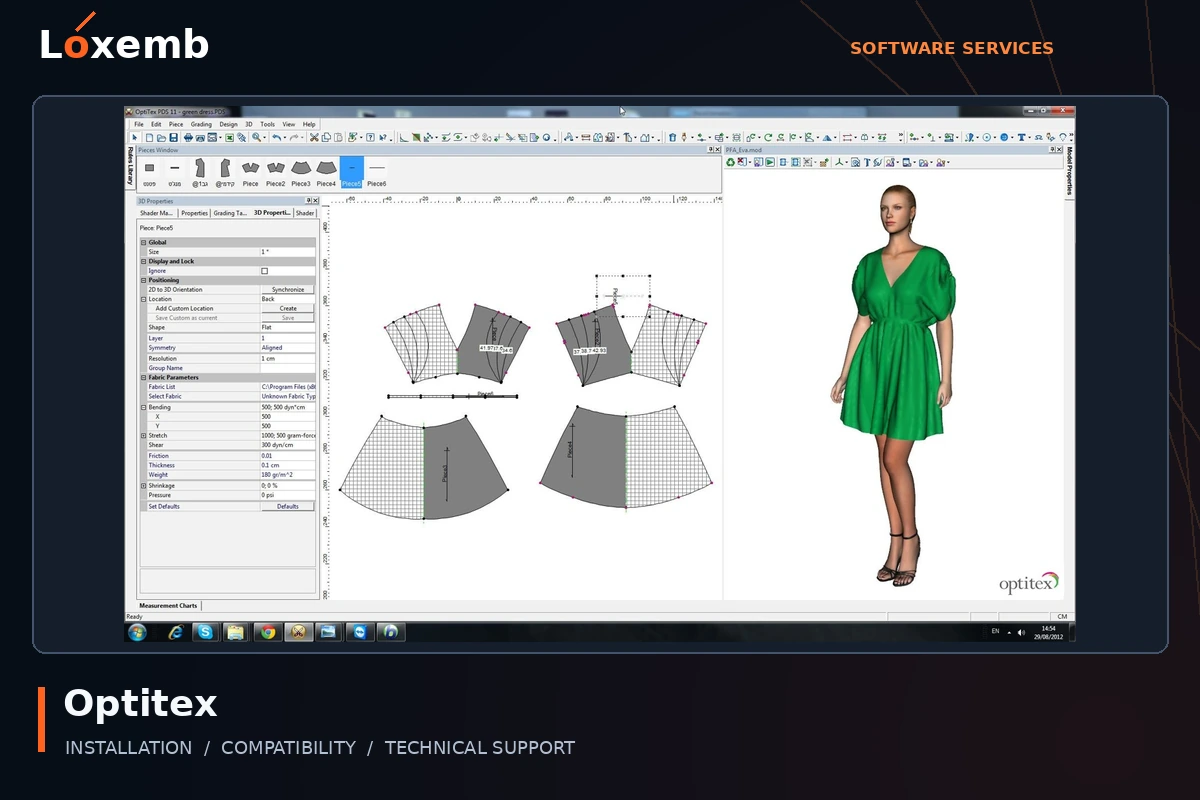
Optitex
Version reference: Version 25
Describe the garment-design workflow, licensed modules and output requirements. Production hardware and integrations need separate confirmation.
Explore Optitex setup →Get Support on WhatsApp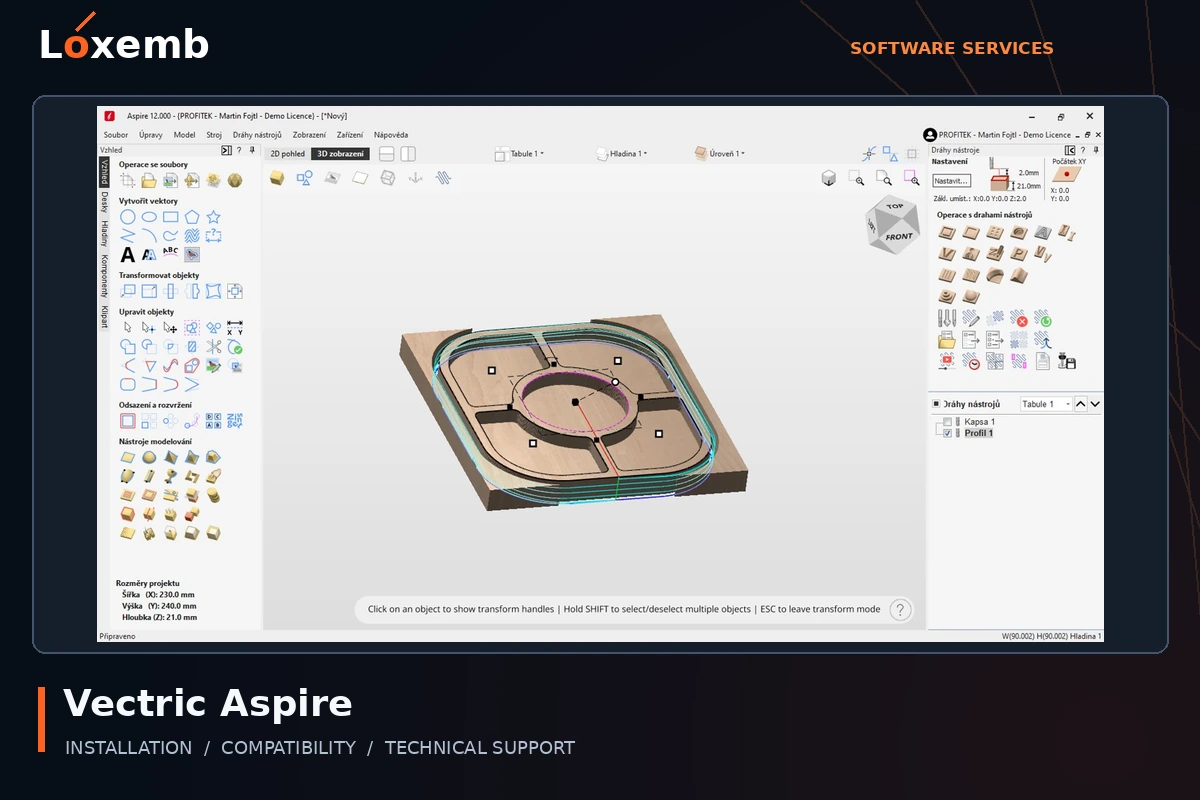
Vectric Aspire
Version reference: Version 12 and 12.5
Send the CNC machine/controller and intended workflow. Included clipart, if requested, needs its own usage rights; it is not automatically part of installation.
Explore Vectric Aspire setup →Get Support on WhatsApp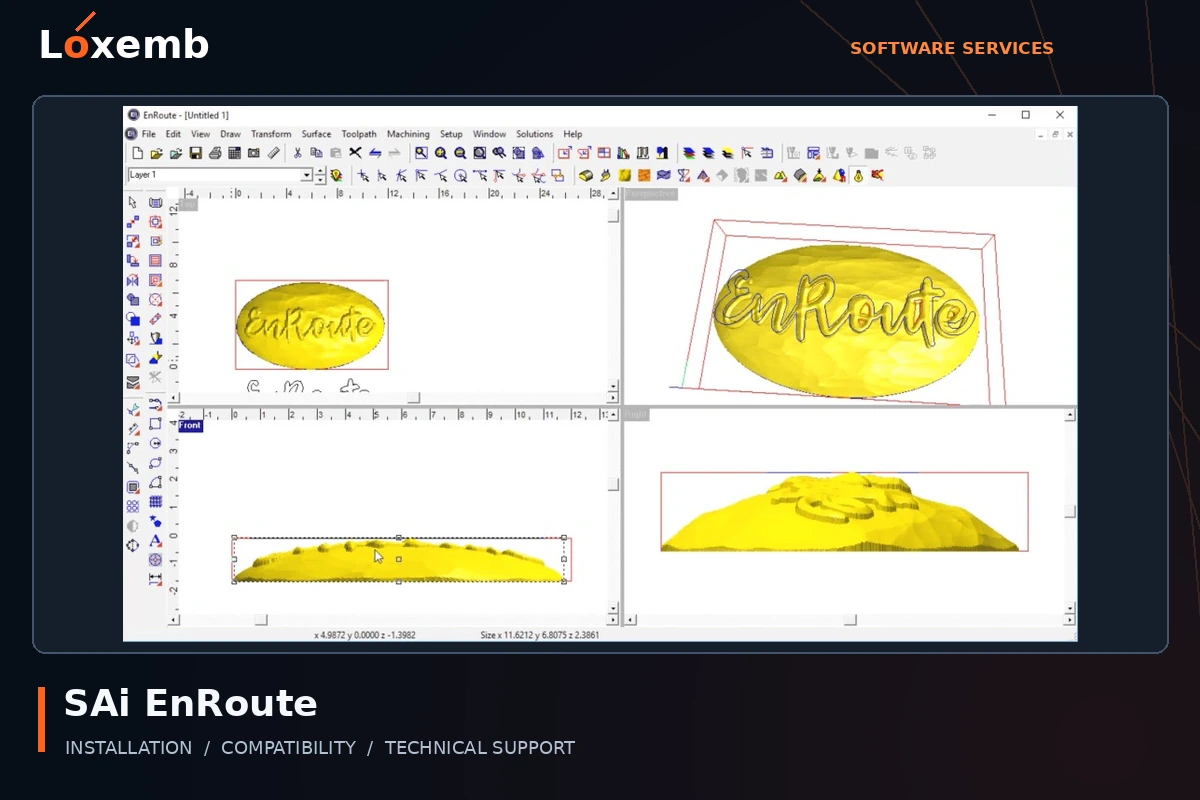
SAi EnRoute
Version reference: 24.2 and 2025
Include the router or CNC controller and existing postprocessor details. Software launch alone is not a machine-output validation.
Explore SAi EnRoute setup →Get Support on WhatsApp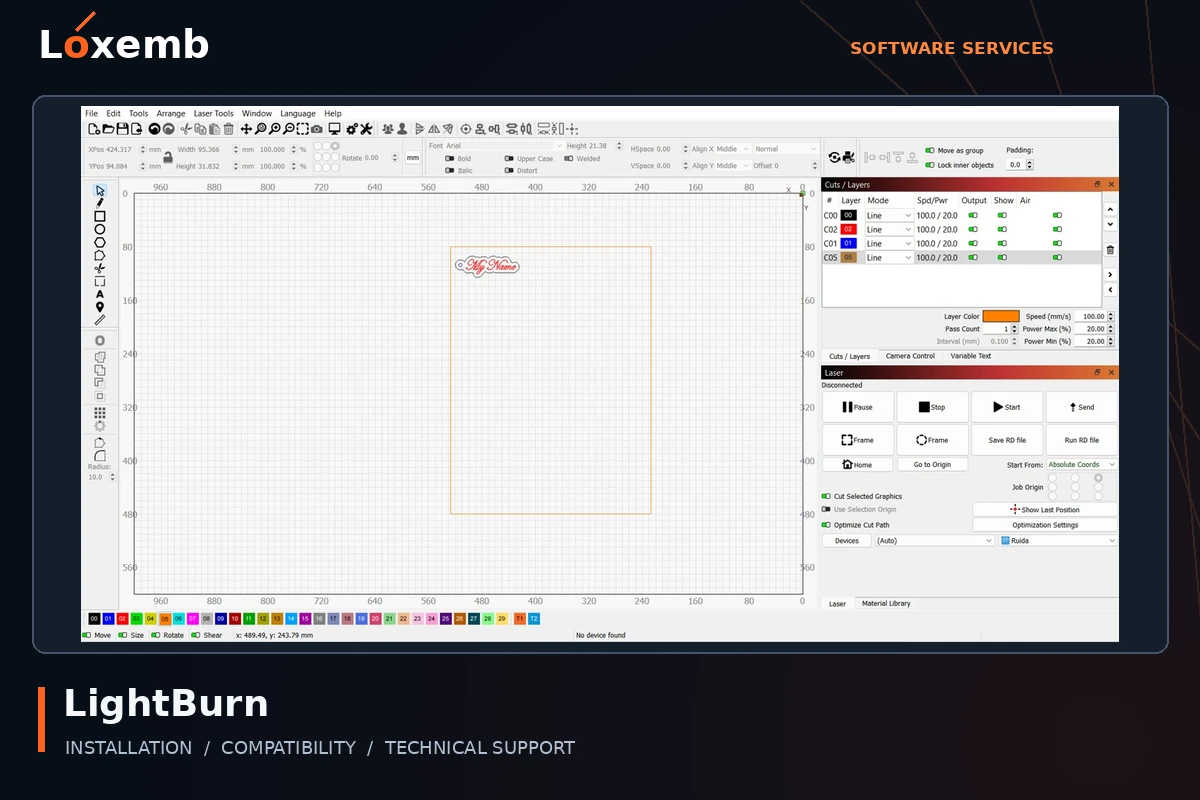
LightBurn
Version reference: Exact version and license type to confirm
Identify the laser controller and connection before choosing a package. Machine operation and safety checks remain the operator’s responsibility.
Explore LightBurn setup →Get Support on WhatsApp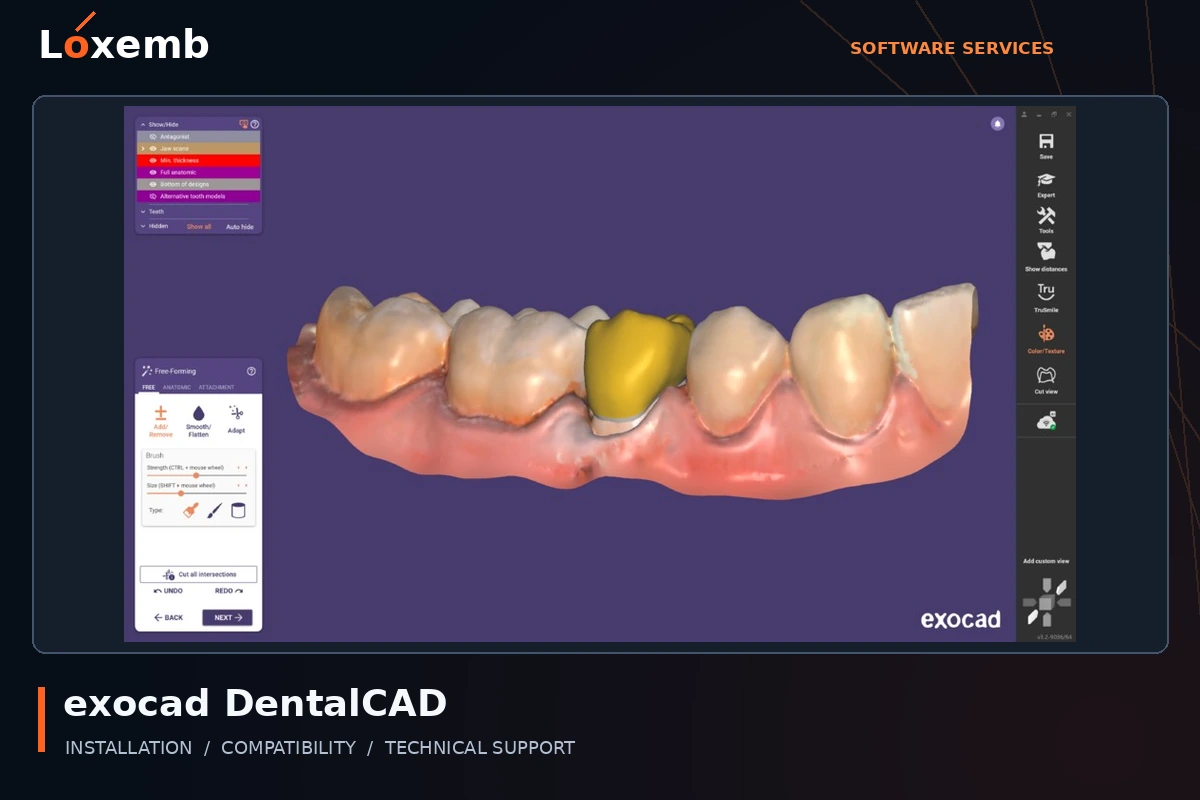
exocad DentalCAD
Version reference: 3.2
Provide the licensed configuration and scanner workflow. Technical installation does not include clinical advice or validation of a dental design.
Explore exocad DentalCAD setup →Get Support on WhatsApp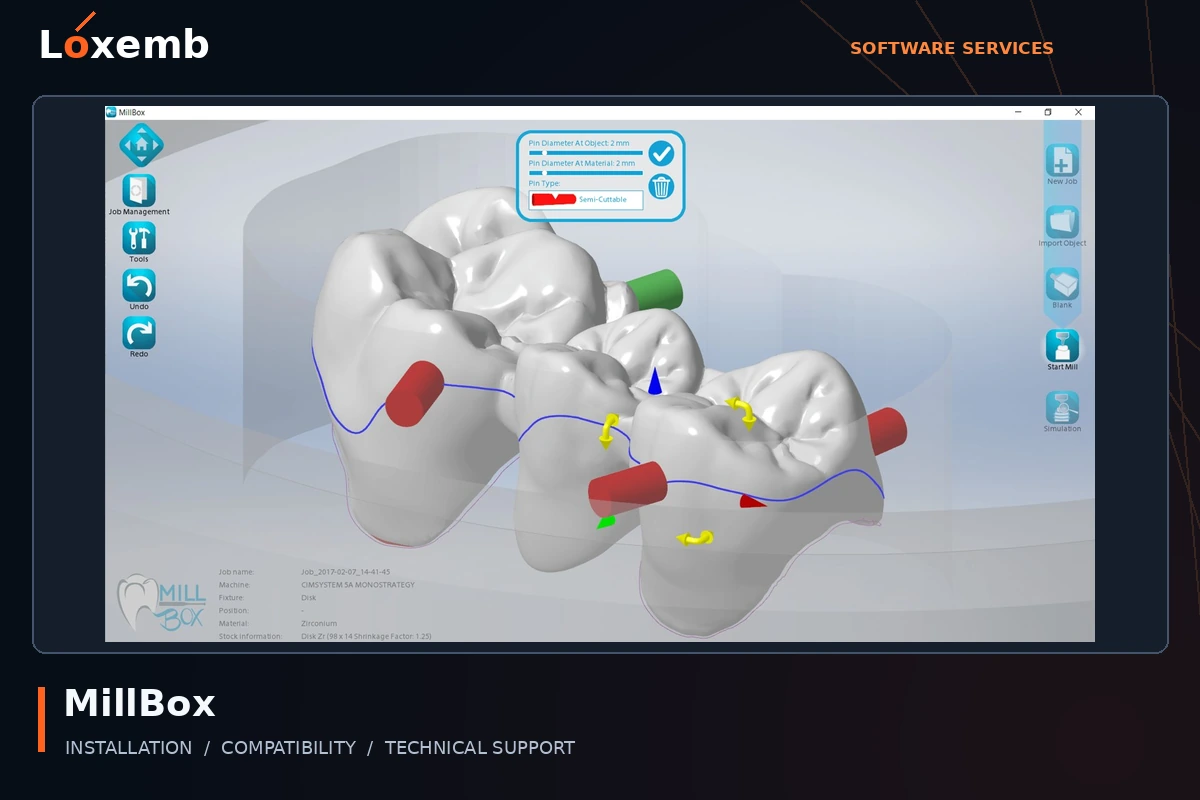
MillBox
Version reference: 2024
Include the milling machine, licensed configuration and existing machine data. Production validation requires the appropriate equipment specialist.
Explore MillBox setup →Get Support on WhatsApp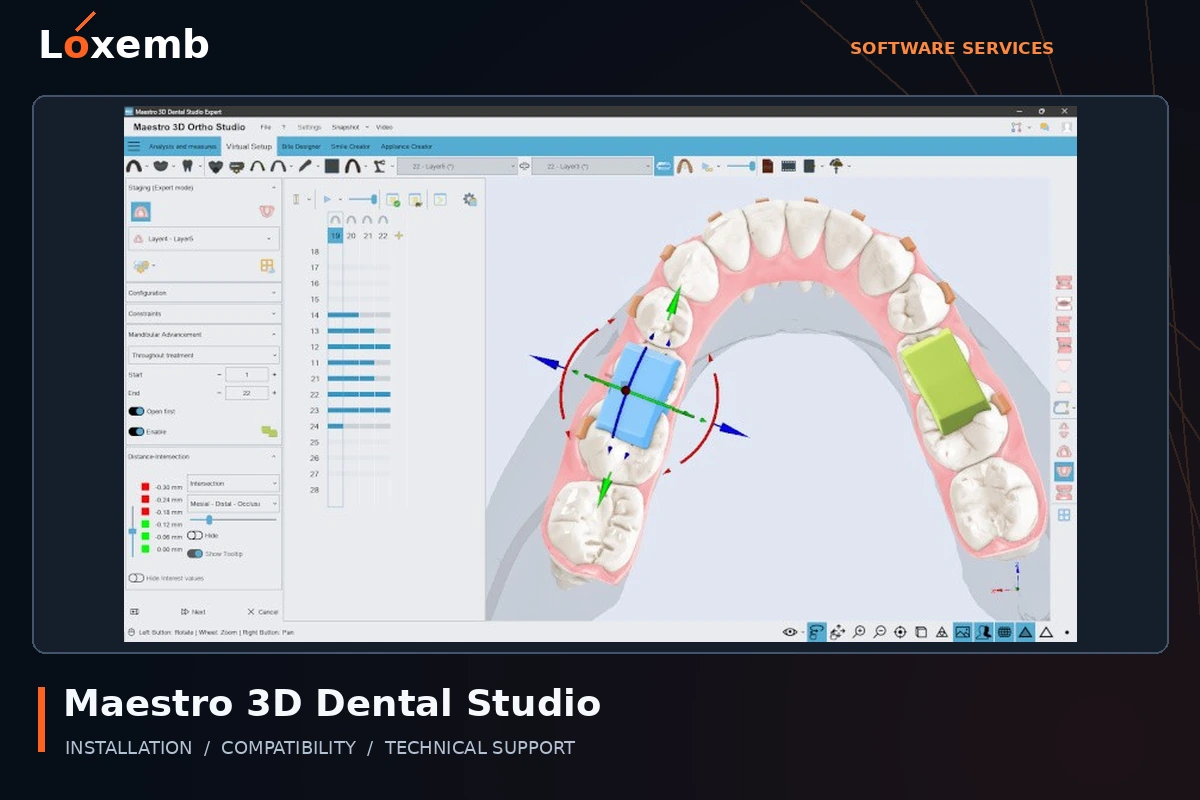
Maestro 3D Dental Studio
Version reference: Version 6
Identify the licensed modules and scan/import workflow. Installation support does not certify clinical suitability or treatment output.
Explore Maestro 3D Dental Studio setup →Get Support on WhatsAppDigital Factory edition checklist
The Digital Factory enquiries in our directory include v11 DTF, Sublimation, UV, Print & Cut, OKI Pro, and Apparel editions for Brother, Ricoh, Production and Epson workflows. These names do not imply that one license unlocks every edition.
- DTF: send the printer model, ink configuration, film and current queue settings.
- UV or sublimation: identify the printing process, media and manufacturer-supported configuration.
- Print & Cut: include both the printer and cutter, plus your registration-mark workflow.
- Brother, Ricoh, Epson and OKI: send the complete model number; a brand name alone cannot establish compatibility.
- Production: describe the devices and queues you need to operate and confirm your licensed edition.
What to send before booking
- The program name, edition and exact version shown in its About screen.
- Your operating system, processor, RAM and available storage.
- The printer, cutter, embroidery machine or controller model, where relevant.
- Your existing license or entitlement status, without sending a secret activation key in an initial enquiry.
- The number of computers and one clear description of the task or error.
We confirm scope first. A session may involve installation, permitted activation assistance, device connection, a sample-file check and a handover. Hardware repairs, production calibration, design work and training are agreed separately when available.
Eligible device packages
| Devices | Package price |
|---|---|
| 1 device | $50 |
| 2 devices | $80 total |
| 3 or more | $35 per device |
Only a specifically confirmed eligible offer includes Download + Installation + Lifetime Activation Key + Ongoing Technical Support After Purchase. The key is tied to the original device and cannot be transferred. Loxemb packages include no free updates. Any independent update rights granted by the publisher remain governed by that publisher’s terms.
These prices are not a blanket lifetime-license offer for every program listed here. Subscription products, machine-bundled software and separately licensed modules retain their own terms. We confirm the exact lawful offer in writing before accepting an order.
Not sure which version you have?
Send the product name and a screenshot of its About window with personal information and activation keys hidden. Generic descriptions such as “full embroidery software” are not enough to identify a product. Unidentified listings are not treated as separate programs, and unsupported activation workarounds are not offered.
Product information & independence
Loxemb is an independent service provider. Product names identify third-party software; inclusion does not imply a manufacturer partnership or authorized reseller status. Older version references are not recommendations to use an unsupported operating system.
Useful publisher references: SAi Flexi, Digital Factory documentation, ACRORIP printer compatibility, Brother PE-DESIGN 11, Melco DesignShop 11 and Embird compatibility.