CAD & design software assistance
Software setup support for compatible technical design and creative applications. Tell us your application, version and workflow.
Check your setup on WhatsApp →Design, CAD, CNC & specialist software
These applications serve different workflows. Tell us the exact task and hardware so we can confirm whether Loxemb can support your configuration before you pay.
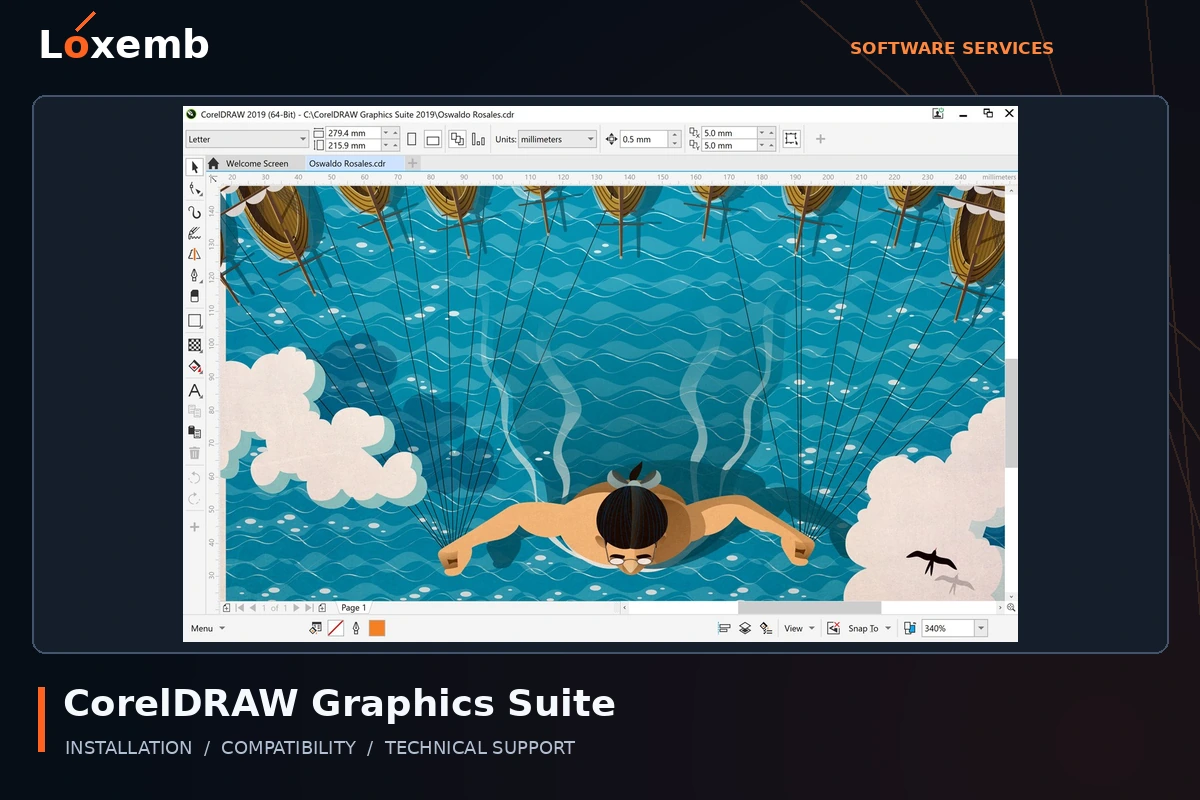
CorelDRAW Graphics Suite
Version reference: 2018 and 2026
For a Wilcom workflow, confirm the exact supported integration. General design setup and embroidery integration require different checks.
Explore CorelDRAW Graphics Suite setup →Get Support on WhatsApp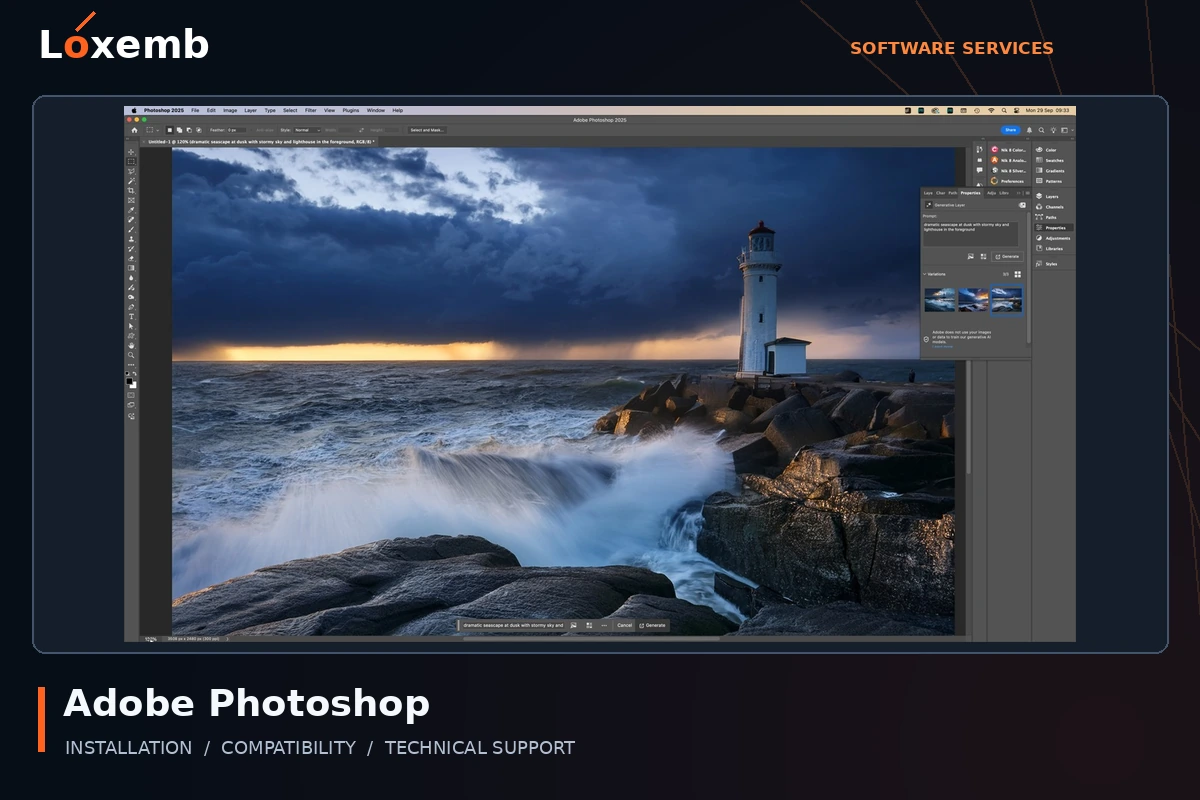
Adobe Photoshop
Version reference: 2025
Identify your Adobe entitlement and operating system. A Loxemb service package does not replace an Adobe subscription or change its terms.
Explore Adobe Photoshop setup →Get Support on WhatsApp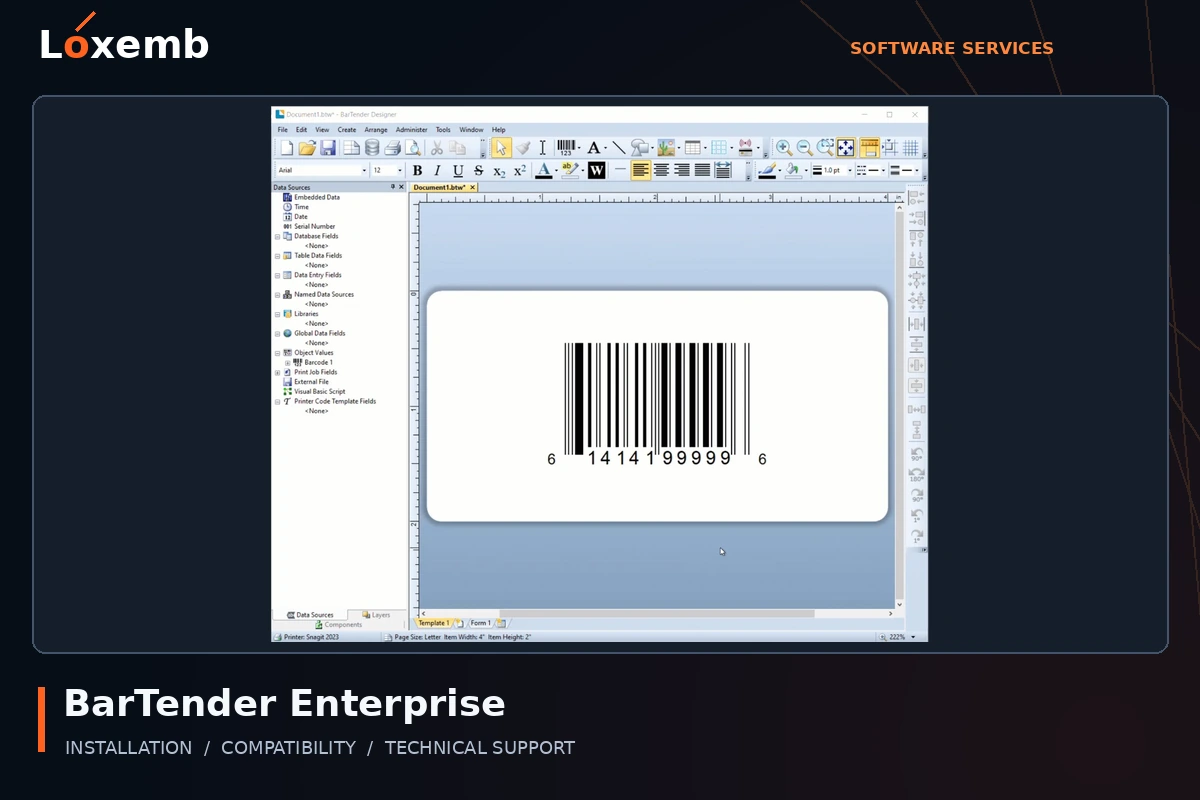
BarTender Enterprise
Version reference: Exact release to confirm
Specify the label printer, data sources and intended deployment. Confirm the actual edition and licensing model before setup.
Explore BarTender Enterprise setup →Get Support on WhatsApp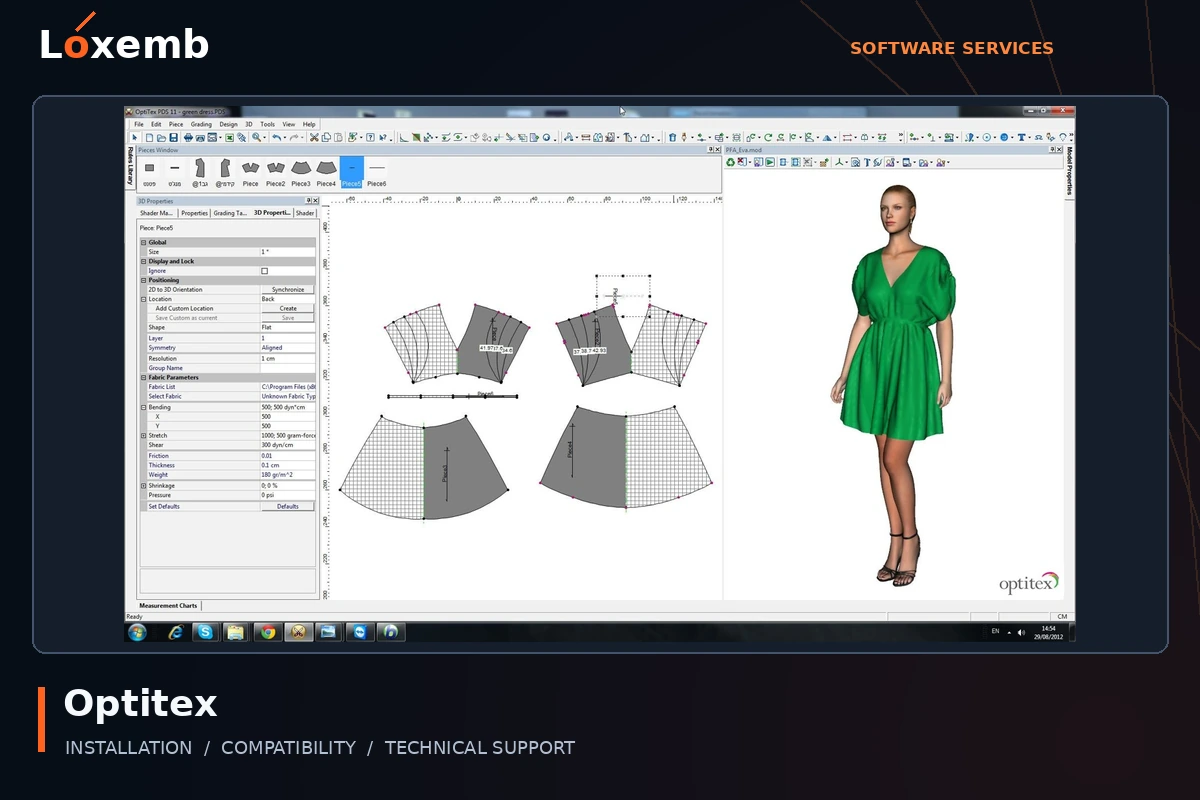
Optitex
Version reference: Version 25
Describe the garment-design workflow, licensed modules and output requirements. Production hardware and integrations need separate confirmation.
Explore Optitex setup →Get Support on WhatsApp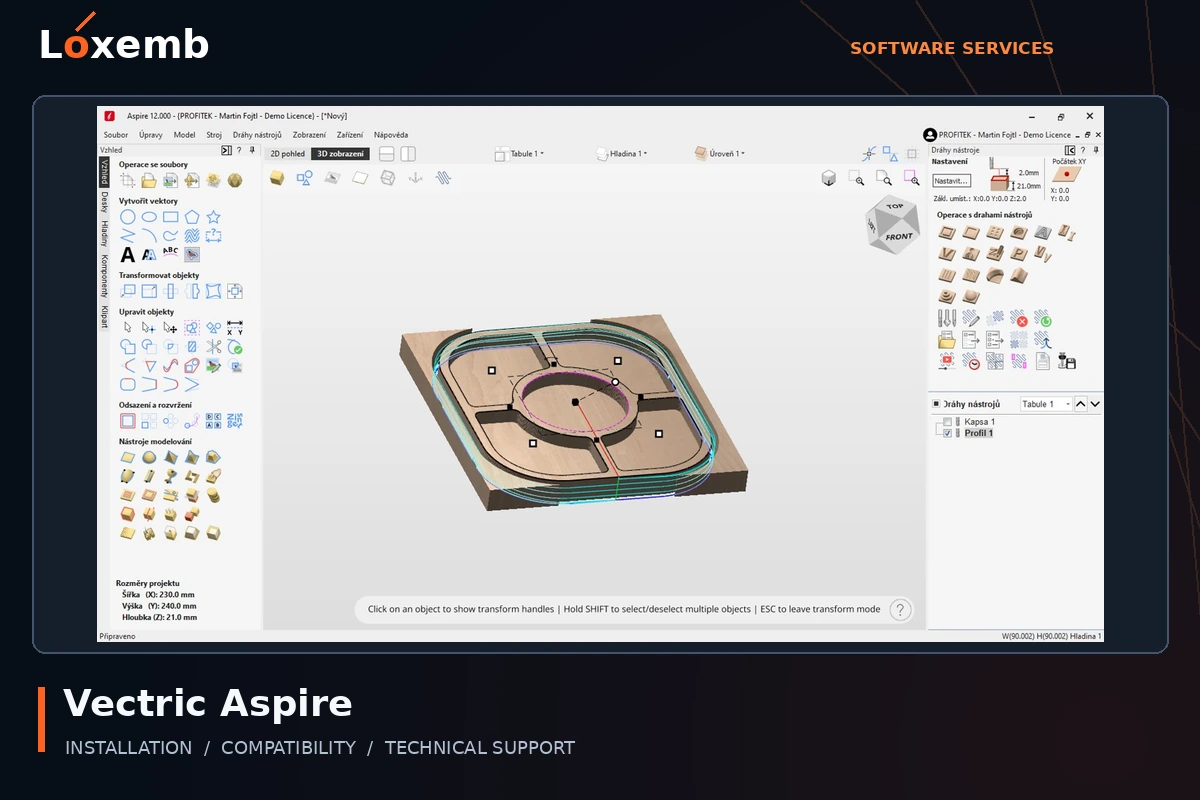
Vectric Aspire
Version reference: Version 12 and 12.5
Send the CNC machine/controller and intended workflow. Included clipart, if requested, needs its own usage rights; it is not automatically part of installation.
Explore Vectric Aspire setup →Get Support on WhatsApp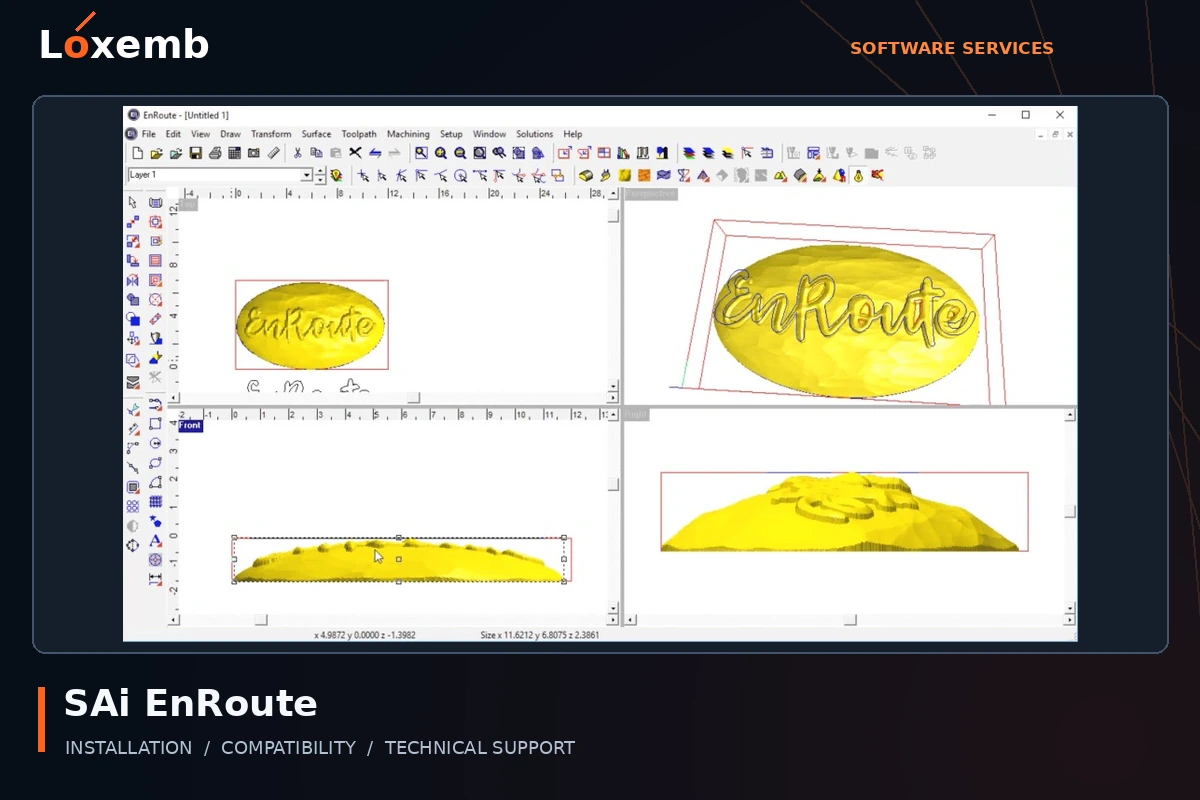
SAi EnRoute
Version reference: 24.2 and 2025
Include the router or CNC controller and existing postprocessor details. Software launch alone is not a machine-output validation.
Explore SAi EnRoute setup →Get Support on WhatsApp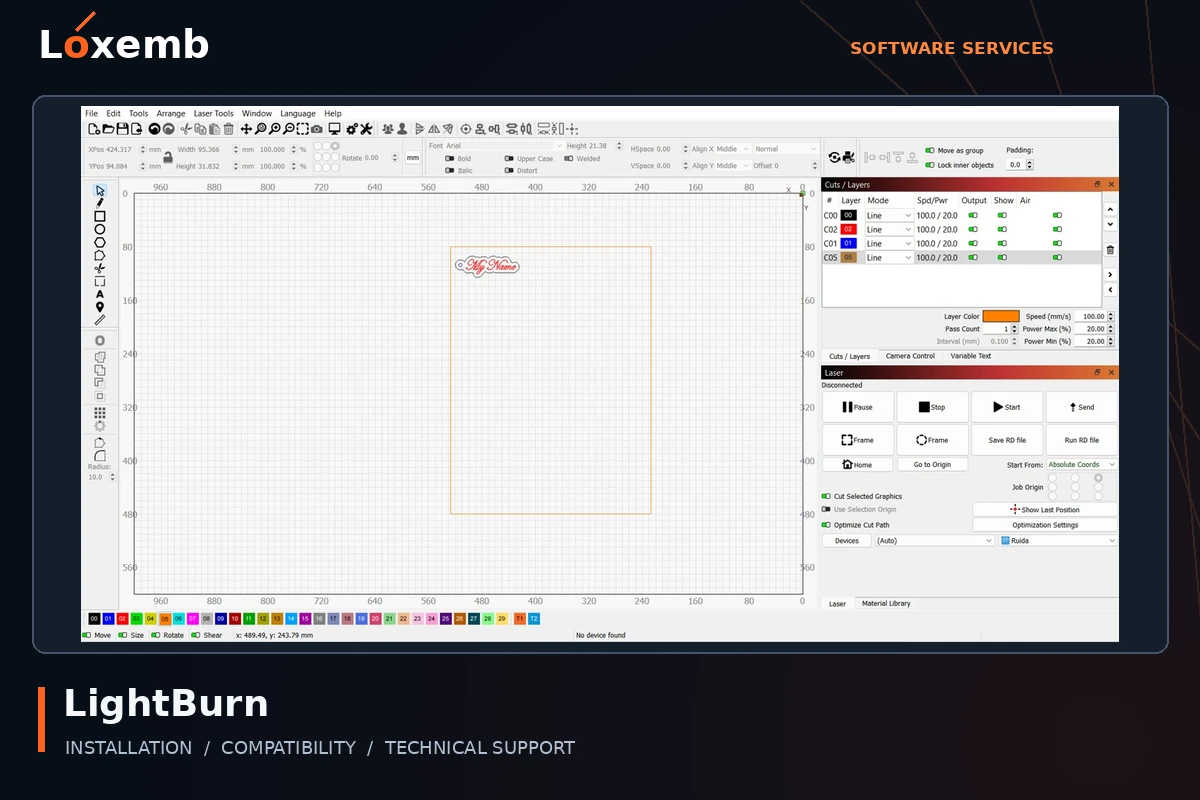
LightBurn
Version reference: Exact version and license type to confirm
Identify the laser controller and connection before choosing a package. Machine operation and safety checks remain the operator’s responsibility.
Explore LightBurn setup →Get Support on WhatsApp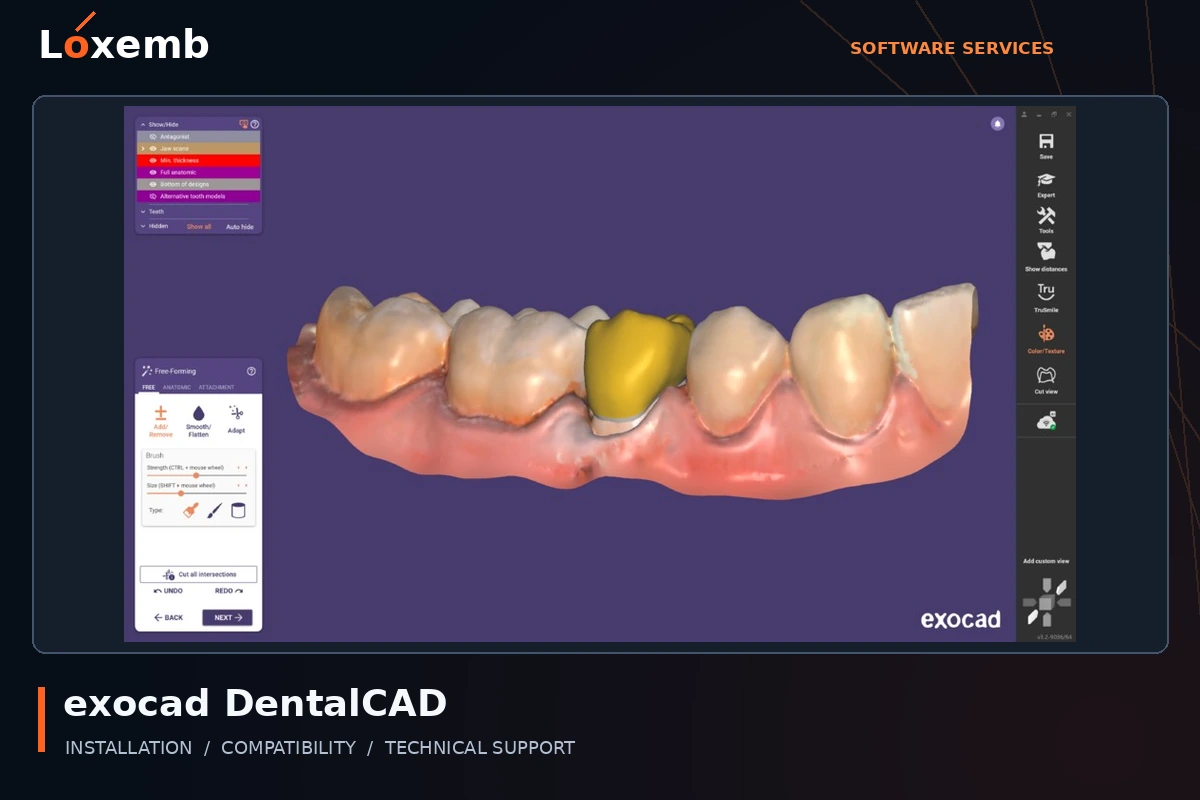
exocad DentalCAD
Version reference: 3.2
Provide the licensed configuration and scanner workflow. Technical installation does not include clinical advice or validation of a dental design.
Explore exocad DentalCAD setup →Get Support on WhatsApp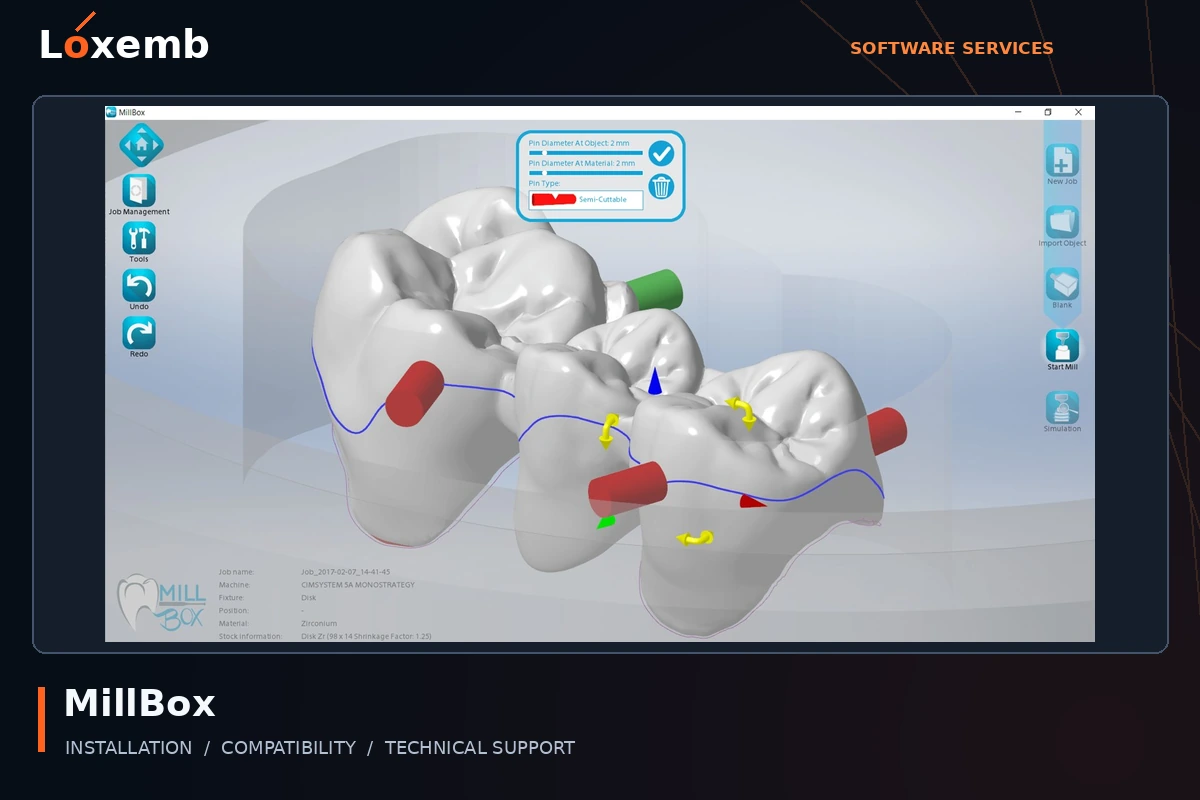
MillBox
Version reference: 2024
Include the milling machine, licensed configuration and existing machine data. Production validation requires the appropriate equipment specialist.
Explore MillBox setup →Get Support on WhatsApp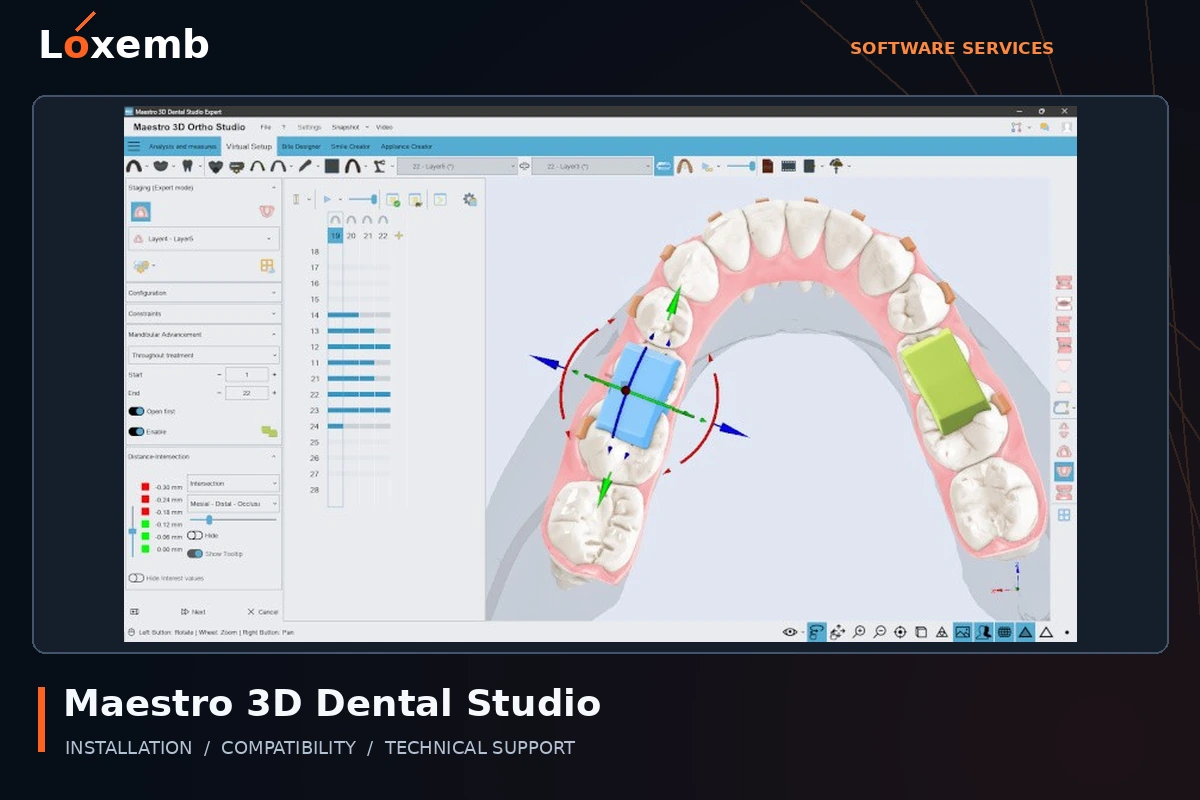
Maestro 3D Dental Studio
Version reference: Version 6
Identify the licensed modules and scan/import workflow. Installation support does not certify clinical suitability or treatment output.
Explore Maestro 3D Dental Studio setup →Get Support on WhatsAppCheck the environment first
Technical design applications can depend on graphics hardware, drivers, memory and version-specific requirements. We review your computer and required software before confirming a service.
Compatibility review
Share your operating system, processor, RAM, graphics card and available storage with the exact software edition.
Installation assistance
Guided setup or a remote session for an agreed, supported application with valid authorisation.
Technical follow-up
Help with the agreed software setup after purchase. New modules, training and paid updates require separate confirmation.
Define your requirements
Include the file formats and connected equipment you need. Installation does not include engineering advice, clinical decisions, production certification or guarantees of a specific design result.
Design, CNC and specialist software enquiries
Choose the application family and send the exact version. Availability and compatibility are reviewed before a booking is confirmed.
Graphics and production design
- CorelDRAW Graphics Suite — ask about your version
- Adobe Photoshop — ask about your version
- BarTender Enterprise — ask about your version
- Optitex — ask about your version
CNC and laser workflows
- Vectric Aspire — ask about your version
- SAi EnRoute — ask about your version
- LightBurn — ask about your version
Dental CAD/CAM enquiries
- exocad DentalCAD — ask about your version
- MillBox — ask about your version
- Maestro 3D Dental Studio — ask about your version
For specialist systems, provide your scanner, machine or controller model and the modules involved. Production decisions and physical testing remain with the qualified operator.